How to Plan Production in a Joinery Workshop
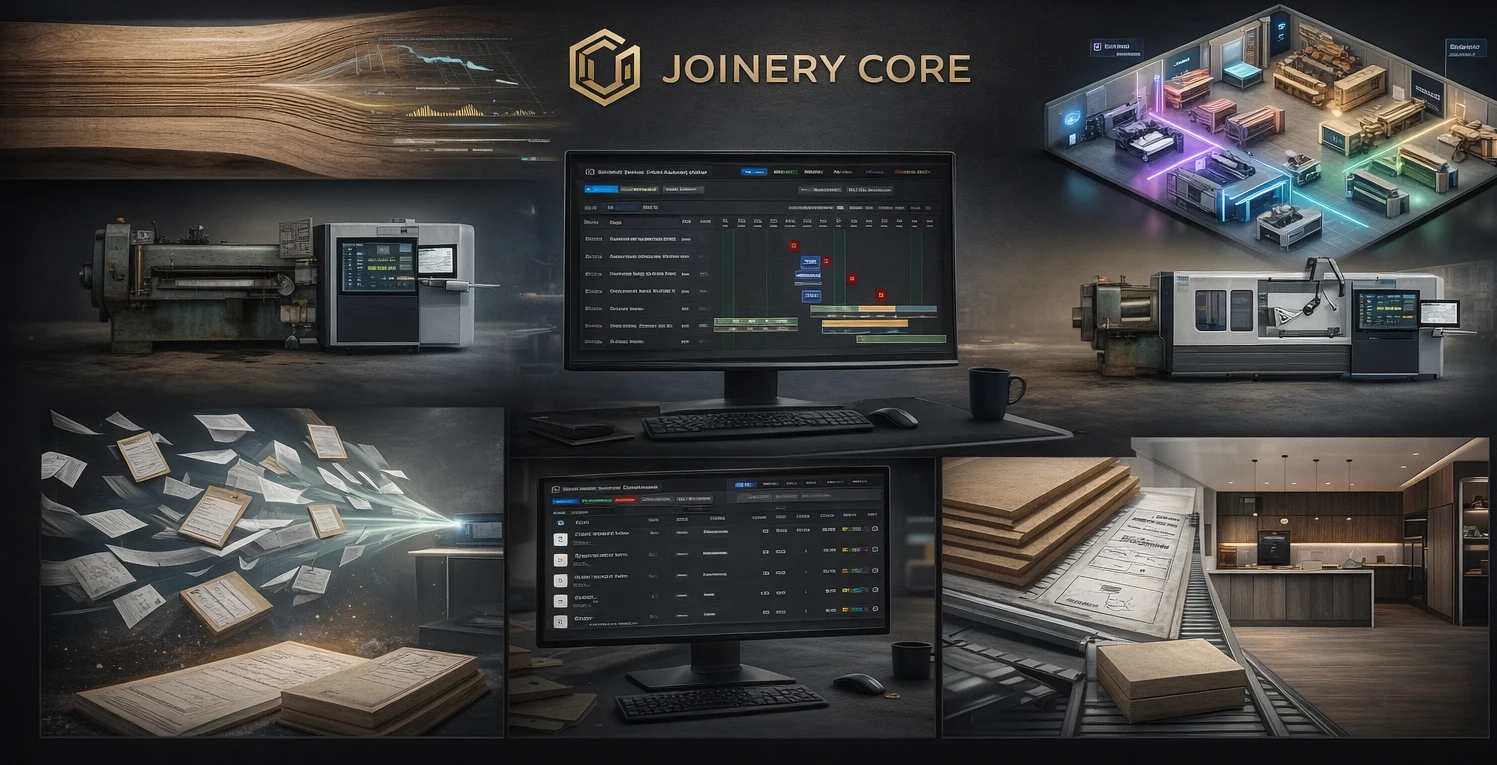
Every joinery workshop owner knows the feeling: sticky notes on a whiteboard, phone calls to check who's doing what, and that sinking feeling when two projects collide on the same week. Production planning in joinery isn't like manufacturing — every job is different, timelines shift, and your best joiner just called in sick.
The Problem with Whiteboards and Spreadsheets
Most workshops start the same way. A whiteboard in the corner with project names scrawled in marker pen. Maybe a spreadsheet that someone updates on Friday — if they remember. The problem? Whiteboards can't show you what's coming in three weeks. Spreadsheets can't tell you if your sprayer is double-booked.
When a client calls asking "when will my kitchen be ready?", you shouldn't need to walk to the workshop and ask. You should know instantly — from any device, anywhere.
What Production Planning Actually Means in Joinery
Real production planning for joiners means breaking every project into phases that reflect how your workshop actually works: timber cutting, machining, assembly, spraying, glazing, quality control, packaging, and installation. Each phase has a start date, an end date, and someone responsible.
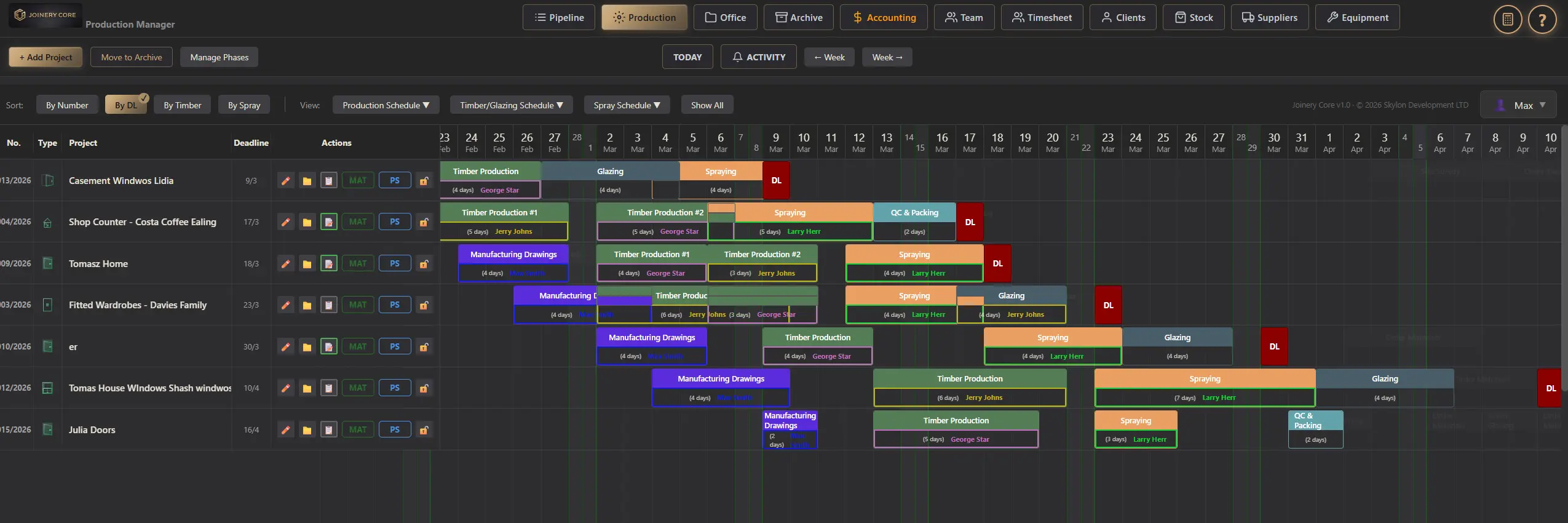
A visual timeline — a Gantt chart built for joinery — lets you see all your projects at once. You can spot clashes before they happen, move phases around with drag-and-drop, and know exactly when each joiner is free for the next job.
From Chaos to Control: A Real Example
Imagine you have eight projects running simultaneously. Three kitchens, two sets of internal doors, a staircase, a shopfront, and a bathroom vanity. Without proper planning, your timber arrives for the wrong project, your sprayer is idle for two days then overwhelmed for three, and the installation team turns up at site before QC is done.
With production planning software, every phase of every project sits on a visual timeline. You can filter by worker to see one joiner's schedule. You can filter by phase to see all spraying work this month. You can catch problems before they become expensive.
What Joinery Core gives you
- Visual Gantt chart with all projects on one screen
- Joinery-specific phases: cutting, machining, assembly, spraying, glazing, QC, installation
- Drag-and-drop rescheduling — move a phase and everything adjusts
- Filter by worker, phase type, or date range
- Connected to stock, financials, and client records
Key Features to Look For
Not all planning tools work for joinery. Generic project management software like Monday or Asana doesn't understand that timber phases must finish before spraying can start, or that your glazing subcontractor only comes on Thursdays.
Look for software that offers joinery-specific phase types, worker assignments per phase, drag-and-drop rescheduling, and the ability to see all projects on a single screen. Bonus points if it connects to your stock, financials, and client records.
The Bottom Line
Production planning isn't about adding admin — it's about removing chaos. When every joiner knows what they're doing next week, when every client gets a reliable delivery date, and when you can quote new work knowing your real capacity — that's when your workshop starts running like a business, not a fire station.
Ready to plan your workshop properly?
Join joiners across the UK who switched from whiteboards to Joinery Core. 14-day free trial, no credit card required.