Architectural Millwork Software — Keep Commercial Jobs on Track
Architectural millwork is a different animal from residential cabinets. The jobs are bigger, the timelines are tied to a general contractor's schedule, and a single project might run for months across reception desks, wall paneling, casework, and custom fixtures. Miss a production date and you're not disappointing a homeowner — you're holding up a construction site and a room full of other trades.
Architectural millwork software helps you manage the production side of those jobs: what's in the shop, what phase each piece is in, who's building it, what materials it needs, and whether the job is still on budget. It's the operations layer — not a design or shop-drawing tool — that keeps a busy commercial shop from losing track of its own work.
Commercial jobs live and die by the schedule
When your delivery date is dictated by a GC's construction schedule, floating is not an option. The paneling has to be installed before the flooring goes in; the casework has to ship before the space is turned over. Your shop schedule has to line up with a schedule you don't fully control.
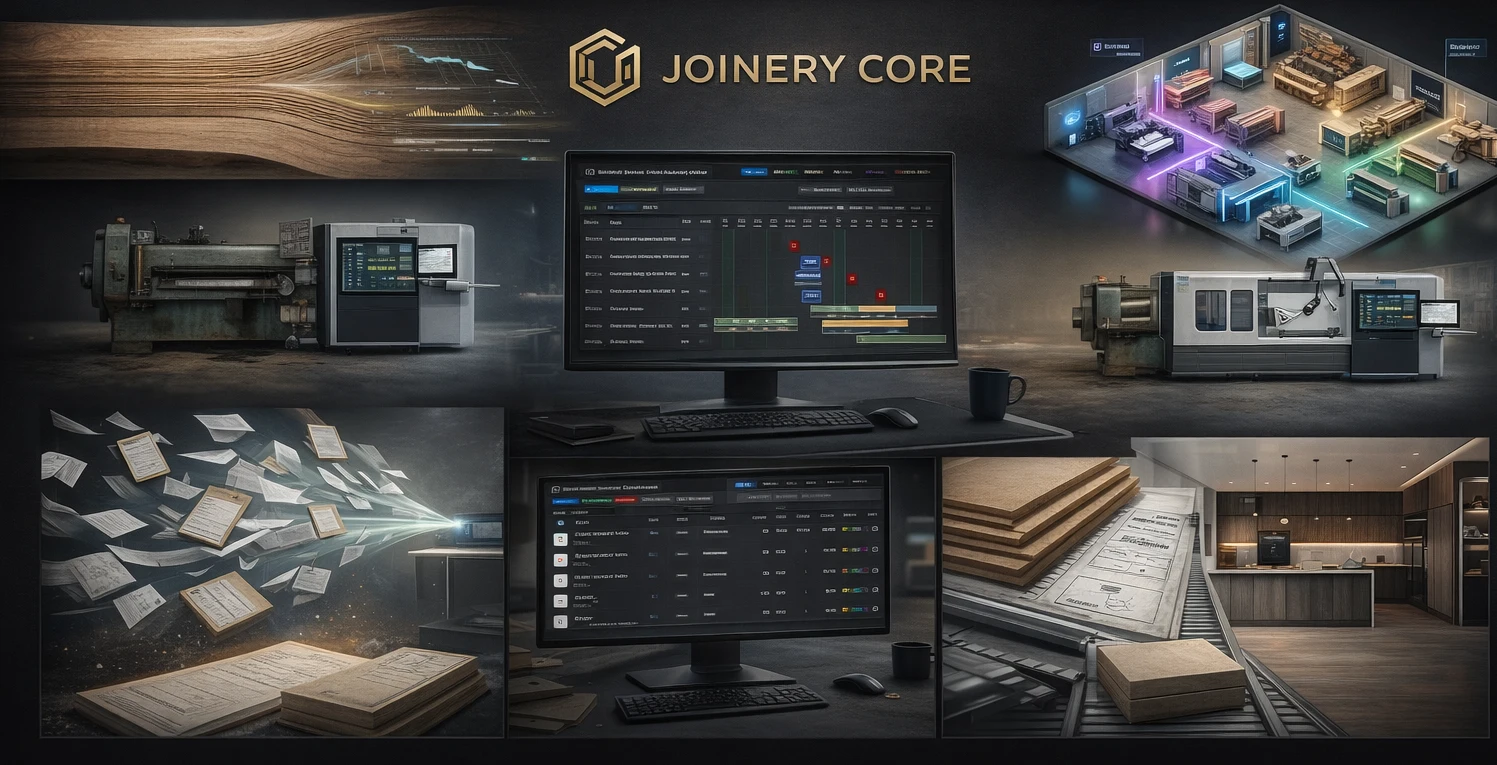
A visual production schedule lets you see every active millwork job and every phase on one timeline. When a big paneling package eats three weeks of shop capacity, you see immediately what it does to the smaller jobs stacked behind it — and you can rebalance before you've promised a date you can't hit.
One big job is really many small ones
A commercial millwork project isn't a single item — it's dozens of scopes moving through the shop at different speeds. Reception desk, conference casework, wall panels, custom doors, trim packages. Each has its own materials, its own build sequence, and its own ship date within the larger job.
Software that models projects as a set of phases lets you break a large job into trackable stages, assign the right people to each, and see the whole thing progress. You always know what's done, what's in production, and what hasn't started — instead of relying on a foreman's memory and a whiteboard that's a week out of date.
Track materials and cost per project, not per shop
On commercial work the materials bill is large and specific — architectural-grade veneers, solid surface, specialty hardware, long-lead finishes. Ordering the wrong quantity or discovering a shortage mid-build is expensive when the material has a six-week lead time.
Good millwork software tracks materials against each project and keeps stock levels current, so you order early and know exactly what a job consumed. Tie that to labor logged per phase and you get real job costing per project — essential when your margins are set at bid time and every overrun comes straight off the bottom line.
What architectural millwork software should handle
- Large jobs broken into trackable production phases
- Shop-wide scheduling across every active project
- Materials tracked and costed per project
- Labor logged per phase for real job costing
- Per-project file storage for drawings, specs, and photos
- Role-based access for office, shop, and site teams
- Fast setup — usable the same week
Where a millwork shop bleeds margin
Commercial millwork margins are usually locked at bid. That means every hour of unplanned labor and every material overrun eats directly into profit that was already thin. The shops that stay profitable are the ones that can see, mid-job, when a project is drifting — not the ones that find out at closeout.
When labor is logged per phase and materials are tracked per project, you can compare where a job stands against where it should be. A scope that's running long shows up while you can still do something about it — reassign an employee, adjust the sequence, or flag it before it swallows the whole margin.
Keep the office and the shop on the same page
On commercial jobs the disconnect between the estimating desk and the shop floor is where money disappears. The office quoted a scope; the shop built it differently; nobody reconciled the two. A shared system closes that gap — the same project, phases, materials, and costs are visible to whoever needs them, with role-based access keeping financials separate from the floor.
How Joinery Core fits a millwork shop
Joinery Core was built by a workshop owner to run a real production business, and it handles commercial-style jobs well: large projects split into customizable phases, a shop-wide drag-and-drop schedule, materials and stock tracked per project, labor logged per phase, and per-project job costing. Office and shop work from one system, and every employee sees what their role needs — no more, no less.
To be straight about scope: Joinery Core is not CAD, shop-drawing, submittal, 3D, or CNC software. It doesn't produce your drawings or generate cut lists. Once your drawings are approved and the job is confirmed, Joinery Core manages the build — the schedule, materials, team, and money that carry it from the shop floor to the site.
Setup takes about an hour, and you can bring in a live job the same week to see how it tracks.
Keep your commercial jobs on schedule and on budget
Every project, phase, material, and cost on one screen. 14-day free trial, no credit card needed.