Cabinet Shop Management Software — Schedule, Track, and Deliver on Time
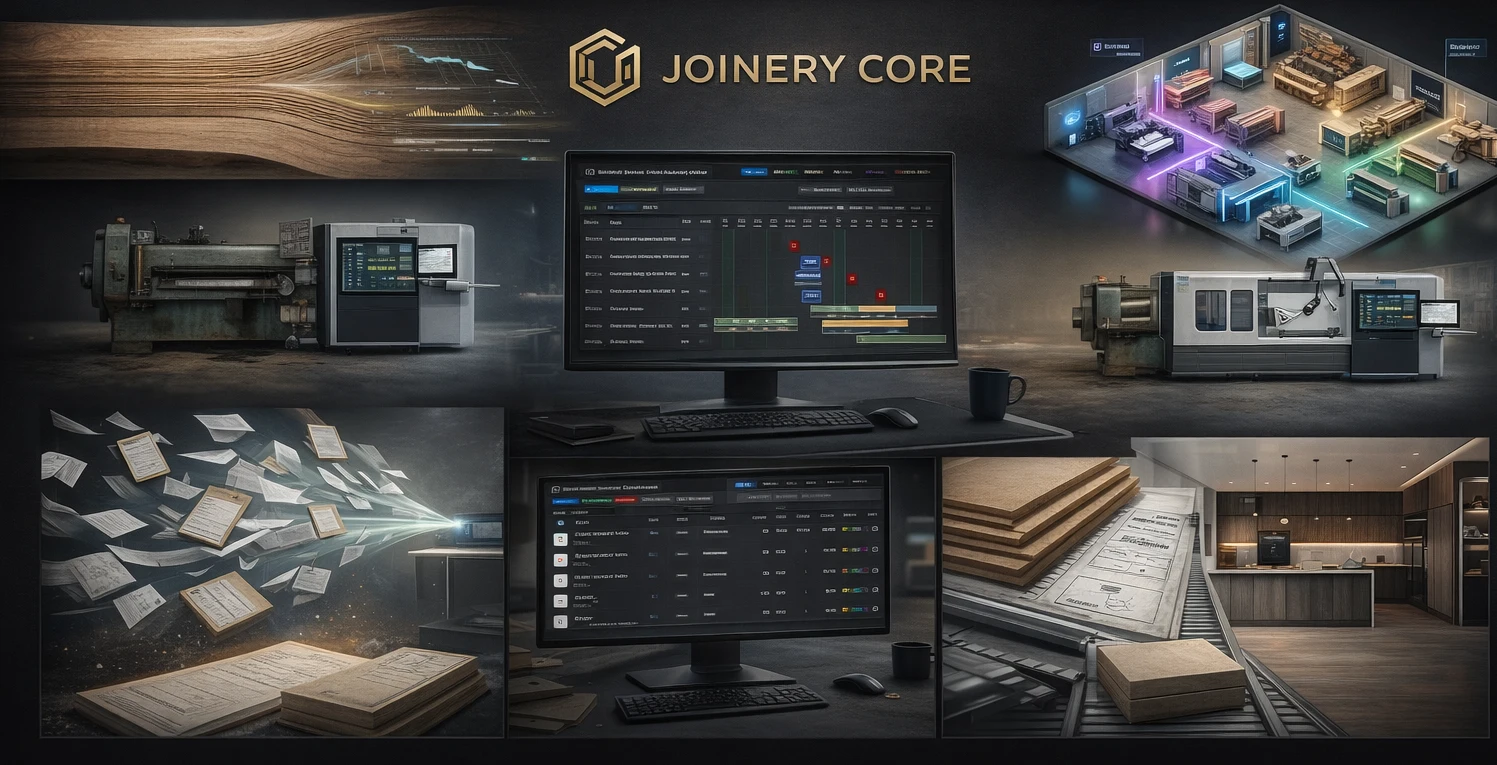
Running a cabinet shop means juggling production schedules, material orders, team assignments, client expectations, and finances — often all at once. Most cabinet shops start with spreadsheets, whiteboards, and a good memory. That works until you're managing eight projects, five employees, and three delivery deadlines in the same week.
Cabinet shop management software puts all of that in one place. Here's what it actually does, why it matters, and how to pick the right one for your shop.
What cabinet shop management software does
At its core, cabinet shop software manages the flow of work through your shop — from the moment a project is confirmed to the day it ships. That means tracking which projects are in production, what phase each one is in, who's working on what, what materials are needed, and whether you're making money on each job.
The best systems are built around how a cabinet shop actually works: projects move through phases like cutting, edge banding, assembly, finishing, and hardware installation. Each phase involves different people, different materials, and different timelines. The software needs to handle all of that without making you spend more time managing the system than managing the shop.
Production scheduling that actually works
The heart of any cabinet shop is the production schedule. You need to see every active project, every phase, and every worker on one screen. When the CNC machine breaks down on Tuesday and cutting gets delayed by two days, you need to see the ripple effect immediately — not discover it on Friday when the finish date arrives.
Drag-and-drop Gantt charts let you move phases around, adjust timelines, and reassign workers without rebuilding your entire schedule. You can see at a glance that your finisher is overbooked next week, or that there's a gap in the assembly schedule you could fill with a smaller job.
Material tracking that prevents waste
Cabinet shops consume expensive materials — hardwoods, sheet goods, hardware, finishing products, edge banding. Without tracking, you over-order, waste offcuts that could have been used on another job, and discover shortages mid-project when it's too late to order at normal prices.
Good cabinet shop software tracks stock levels in real time, logs every material used against the project that consumed it, and alerts you when stock drops below your minimum threshold. That means fewer emergency orders, less waste, and accurate cost data for every job.
What to look for in cabinet shop software
- Visual production scheduling (Gantt chart, not just a list)
- Material and inventory tracking with low-stock alerts
- Job costing — actual cost vs quoted price per project
- Team management with role-based access
- File storage per project (drawings, specs, photos)
- Works on desktop, tablet, and phone
- Easy setup — not a six-month implementation
Job costing that shows the truth
Every cabinet shop owner has a project they thought was profitable until they added up the real numbers. The quoted price was $15,000. The materials came in $800 over budget. The finisher spent an extra day on rework. The hardware had to be re-ordered because the first batch was wrong.
Cabinet shop management software tracks the actual cost of every project — materials consumed, labor hours logged, and overhead allocated. At the end of the job, you see the real margin, not the estimated one. Over time, this data makes your quotes more accurate and your profit more predictable.
Team management without the whiteboard
When your shop has three or four people, you can keep track of who's doing what in your head. At six or eight people, you can't. Someone's double-booked. Someone else has nothing to do. The new hire doesn't know what they're supposed to start on Monday morning.
Cabinet shop software shows every worker's schedule for the week. You assign people to project phases, see their workload at a glance, and catch conflicts before they cause delays. Workers can see their own schedule without needing access to financial data or client information — role-based permissions keep things clean.
Why generic project management tools don't work
Tools like Monday.com, Asana, or Trello are great for managing tasks. But a cabinet shop isn't a task list — it's a manufacturing operation. You need phases that follow a specific order. You need material tracking tied to projects. You need scheduling that understands shop capacity, not just due dates.
Generic tools require hours of custom setup to approximate what purpose-built cabinet shop software does out of the box. And even then, they miss the manufacturing logic — the fact that you can't spray before assembly, or that your finisher can only handle two projects per week.
How Joinery Core works for cabinet shops
Joinery Core was built by a workshop owner who needed exactly this. It started as an internal system for a joinery business — managing production, stock, team, and finances — and evolved into a platform that works for any shop where projects move through production stages.
For cabinet shops, that means customizable production phases (cutting, assembly, finishing, hardware, QC, delivery), real-time stock tracking, drag-and-drop scheduling, per-project job costing, and a team management system with role-based access. The whole shop — office and production floor — works from the same system.
Setup takes about an hour. Add your projects, set up your phases, import your team, and start scheduling. No consultants, no six-month rollout, no training courses.
Try it in your cabinet shop
See your entire production schedule, stock levels, and job costs on one screen. 14-day free trial, no credit card needed.