Best Joinery Software in 2026 — What to Look For
🏆 The Manufacturer MX Awards 2026 — Smart Factory Finalist. The workshop running Joinery Core made the UK national finals alongside Amtico, Bacardi and LISI Aerospace. Read the story →
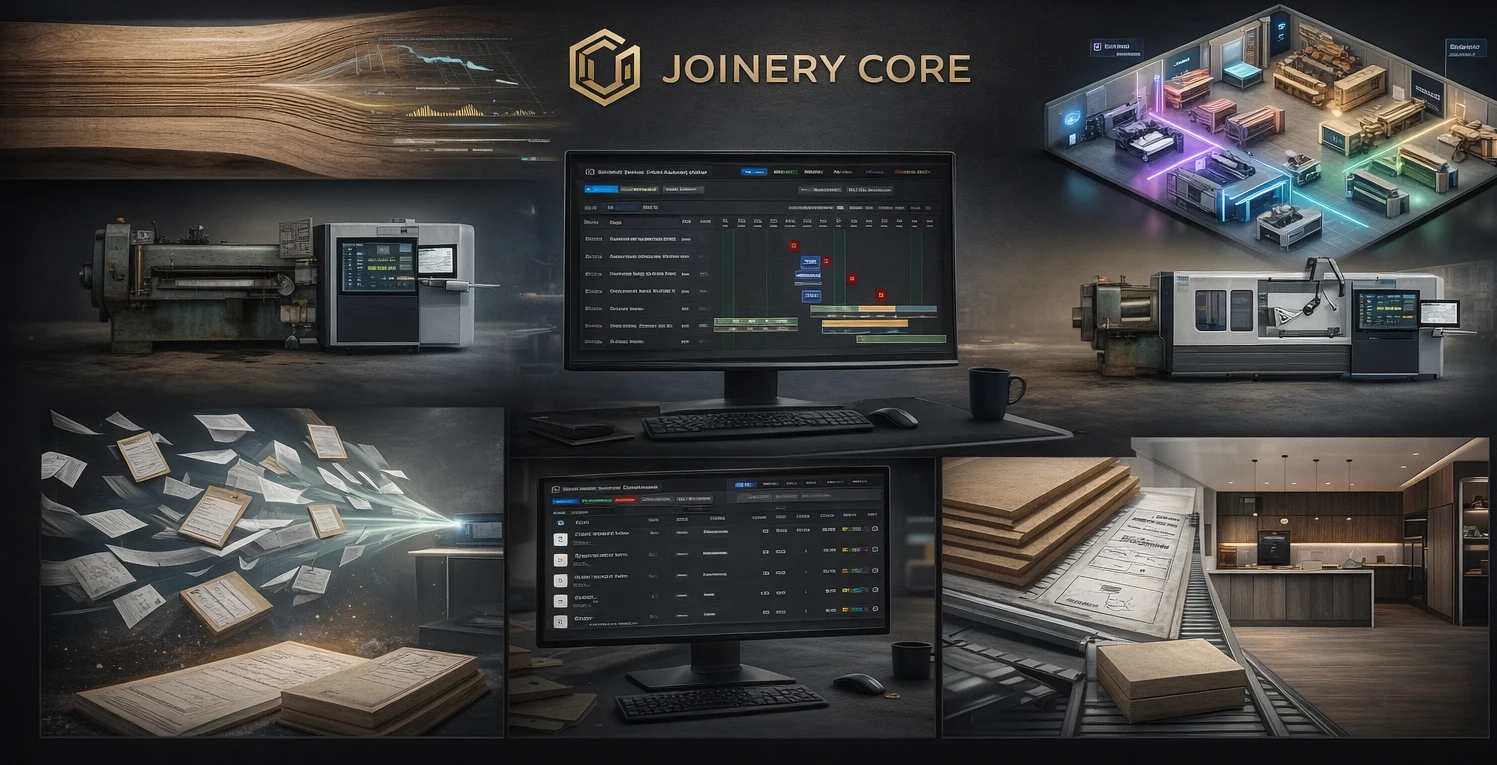
If you're searching for the best joinery software, you've probably already tried running your workshop with spreadsheets, whiteboards, or generic project tools. They work — until they don't. When you have six projects in production, three workers across overlapping phases, timber orders arriving late, and a client asking for a delivery date — you need something built for joinery.
But the market is confusing. Some tools are built for field service trades, others for generic project management, and a few are designed for workshops like yours. Here's what actually matters when choosing joinery software.
What Makes Good Joinery Software?
Not every tool that claims to work for joiners actually understands how a joinery workshop operates. Here are the features that separate real workshop software from generic tools:
1. Production Planning with a Gantt Timeline
Your workshop runs on phases — cutting, machining, assembly, spraying, glazing, QC, installation. Each project has its own sequence, and they all overlap. A Gantt chart designed for joinery lets you see every project, every phase, and every worker on one screen. Kanban boards and calendars can't do this.
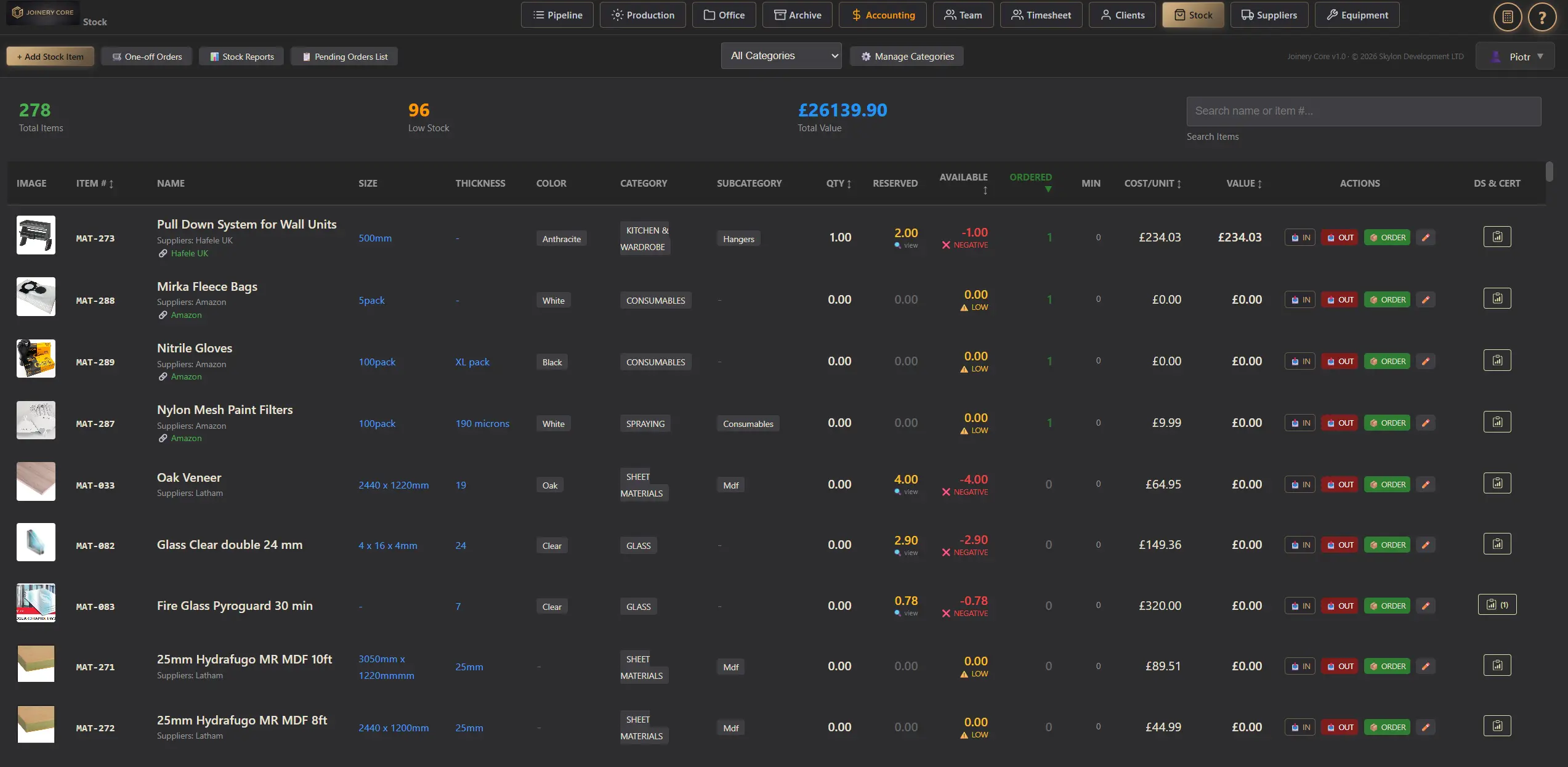
2. Stock and Timber Control
Joinery workshops burn through materials. If you don't know what's in stock, you over-order, waste money, or — worse — stop production because the oak you needed was used on another job. Good joinery software tracks stock levels in real time and alerts you when materials are running low.
3. Team Scheduling and Timesheets
Your joiners, sprayers, and fitters move between projects constantly. Software that shows each worker's schedule across all active projects prevents double-booking and idle time. Built-in timesheets mean you don't need a separate system for payroll data.
4. Financial Tracking Per Project
Every workshop owner needs to know: which projects make money and which don't? Good joinery software tracks costs and revenue per project, so you can see your margins before it's too late to fix them.
How the Options Compare
| Feature | Joinery Core | Tradify | Monday.com | Excel |
|---|---|---|---|---|
| Joinery Gantt chart | ✓ | ✗ | ~ | ✗ |
| Stock control | ✓ | ✗ | ✗ | ~ |
| Team scheduling | ✓ | ✓ | ~ | ✗ |
| Per-project P&L | ✓ | ~ | ✗ | ~ |
| Timesheets & wages | ✓ | ✓ | ~ | ✗ |
| Built for joinery | ✓ | Trades | Generic | Generic |
| Price from | £49/mo | £39/user | £8/user | Free |
Why Joinery Core?
- Built by a joinery workshop owner — not a software company
- Gantt chart with joinery-specific phases out of the box
- Stock control with low-stock alerts
- Flat-rate pricing — not per user
- 14-day free trial, no credit card
- Works on desktop, tablet, and phone
What to Avoid
Be wary of generic project management tools that promise they can be "configured" for joinery. Configuration means weeks of setup, custom fields, and integrations that break. If it doesn't understand timber, phases, and workshop scheduling on day one — it's not joinery software.
Also avoid tools that charge per user. A 10-person workshop shouldn't pay £300/month for basic scheduling. Look for flat-rate pricing that scales with your business, not against it.
The Bottom Line
The best joinery software is the one that matches how your workshop actually works. If you build bespoke products in a workshop with a team, you need production planning, stock control, team scheduling, and financial visibility — all connected. Generic tools will always feel like a workaround. Purpose-built software feels like home.
See what purpose-built joinery software looks like
Try Joinery Core free for 14 days. No credit card, no configuration, no consultants.