Joinery Core vs Excel — Why Spreadsheets Fail Joinery Workshops
🏆 The Manufacturer MX Awards 2026 — Smart Factory Finalist. The workshop running Joinery Core made the UK national finals alongside Amtico, Bacardi and LISI Aerospace. Read the story →
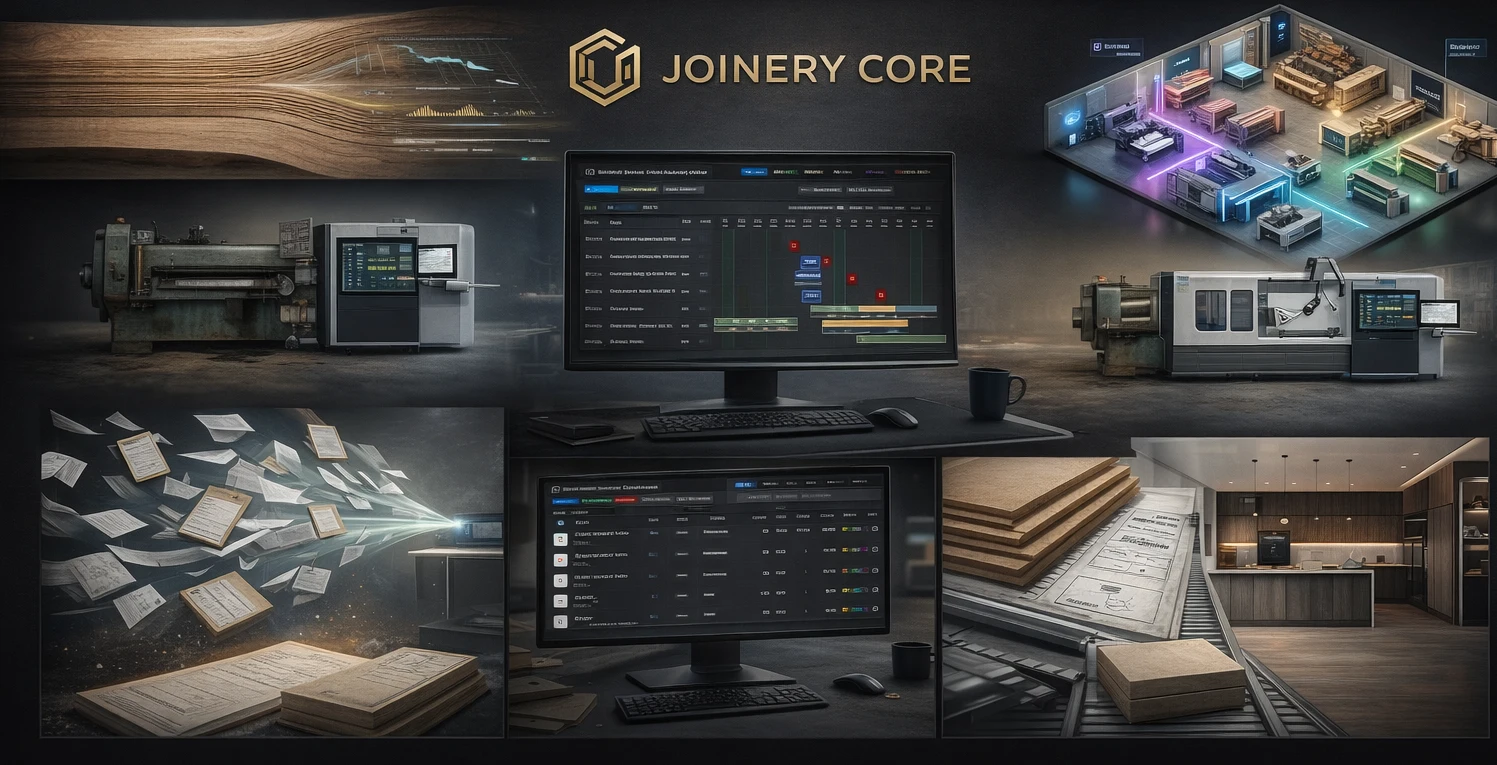
Let's be honest — every joinery workshop starts with Excel. Quoting in one spreadsheet, stock in another, team schedule on a third tab that nobody updates. It works when you have two projects. It breaks when you have twelve.
This isn't about Excel being bad software. It's brilliant at what it does. But managing a joinery workshop is not what it was built for.
The Comparison at a Glance
| Feature | Joinery Core | Excel |
|---|---|---|
| Gantt chart production planning | ✓ Built-in | ✗ Manual |
| Drag-and-drop scheduling | ✓ Yes | ✗ No |
| Stock control with alerts | ✓ Real-time | ~ Manual tracking |
| Team management & timesheets | ✓ Built-in | ✗ No |
| Wage tracking | ✓ Monthly & weekly | ~ Manual formulas |
| Client records | ✓ Linked to projects | ~ Separate sheet |
| Multi-user access | ✓ Role-based | ~ SharePoint/Cloud |
| File storage per project | ✓ Built-in | ✗ No |
| Financial tracking per project | ✓ Automatic | ~ Manual formulas |
| Works on phone | ✓ Responsive | ✗ Painful |
| Joinery-specific phases | ✓ Cutting, spraying, glazing... | ✗ Generic |
| Price | From £49/month | Free or £6/user/month |
Where Excel Falls Apart in Joinery
1. Production planning is impossible
Try building a Gantt chart in Excel for eight simultaneous projects with different phases, workers, and deadlines. Now try dragging a phase to next week when timber arrives late. In Excel, that means editing fifteen cells manually. In Joinery Core, it's one drag-and-drop.
2. Stock goes invisible
Your sprayer uses the last tin of lacquer. Does Excel know? Only if someone remembers to update the sheet. Meanwhile, you've just quoted a job assuming you have stock that doesn't exist. Joinery Core shows real-time stock levels with low-stock alerts.
3. No single source of truth
When the project info lives in one spreadsheet, client details in another, and costs in a third — nobody knows what's current. Files get emailed, versions multiply, and Friday's numbers contradict Monday's. In Joinery Core, everything is connected: one project links to its client, stock, phases, files, and financials.
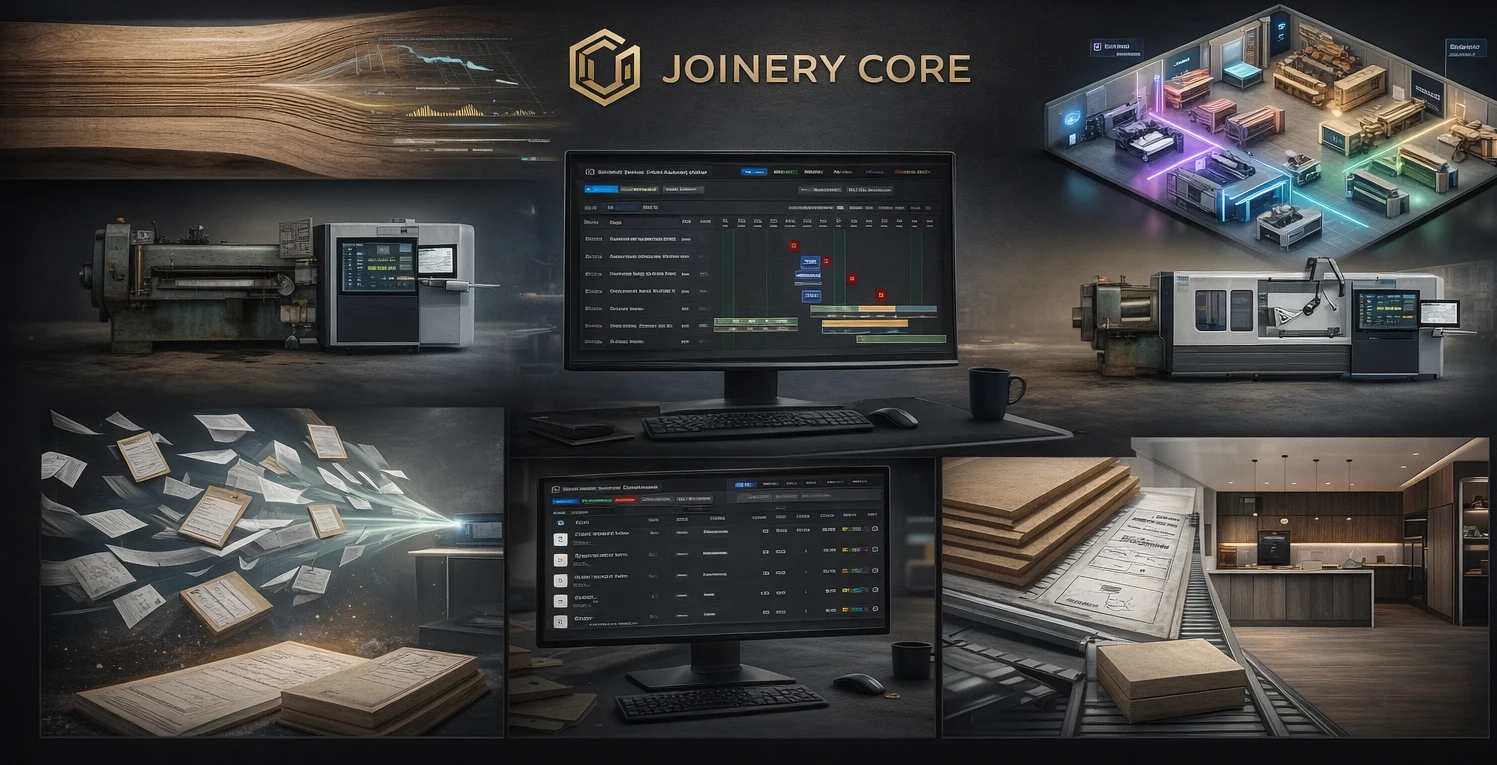
4. Team scheduling doesn't exist
Excel can't tell you that your best joiner is double-booked next Thursday, or that your sprayer has nothing to do on Wednesday. Joinery Core shows every worker's schedule at a glance — filter by person and see their week instantly.
5. It doesn't scale
A two-person workshop might survive with Excel. A ten-person workshop with eight live projects, three delivery deadlines, and a supplier who's late — that's where Excel becomes a liability, not a tool.
When Excel still makes sense
- One-off calculations or quick quotes
- Ad-hoc data analysis
- Personal budgets and simple lists
Excel is a great tool — just not for running a joinery workshop.
What You Get When You Switch
Workshop owners who switch from Excel to Joinery Core typically report three things: they stop losing track of projects, they stop over-ordering materials, and they finally know which jobs make money and which don't.
The transition takes about an hour. Import your projects, add your team, set up your stock categories — and you're running. No training courses, no consultants, no six-month implementation.
The Bottom Line
Excel costs less. Joinery Core saves more. When you factor in the lost materials, double-booked workers, missed deadlines, and hours spent updating spreadsheets — the £49/month pays for itself in the first week.
Ready to ditch the spreadsheets?
See what your workshop looks like when everything's connected. 14-day free trial, no credit card needed.