Joinery Core vs Trello — Kanban Boards Won't Run Your Workshop
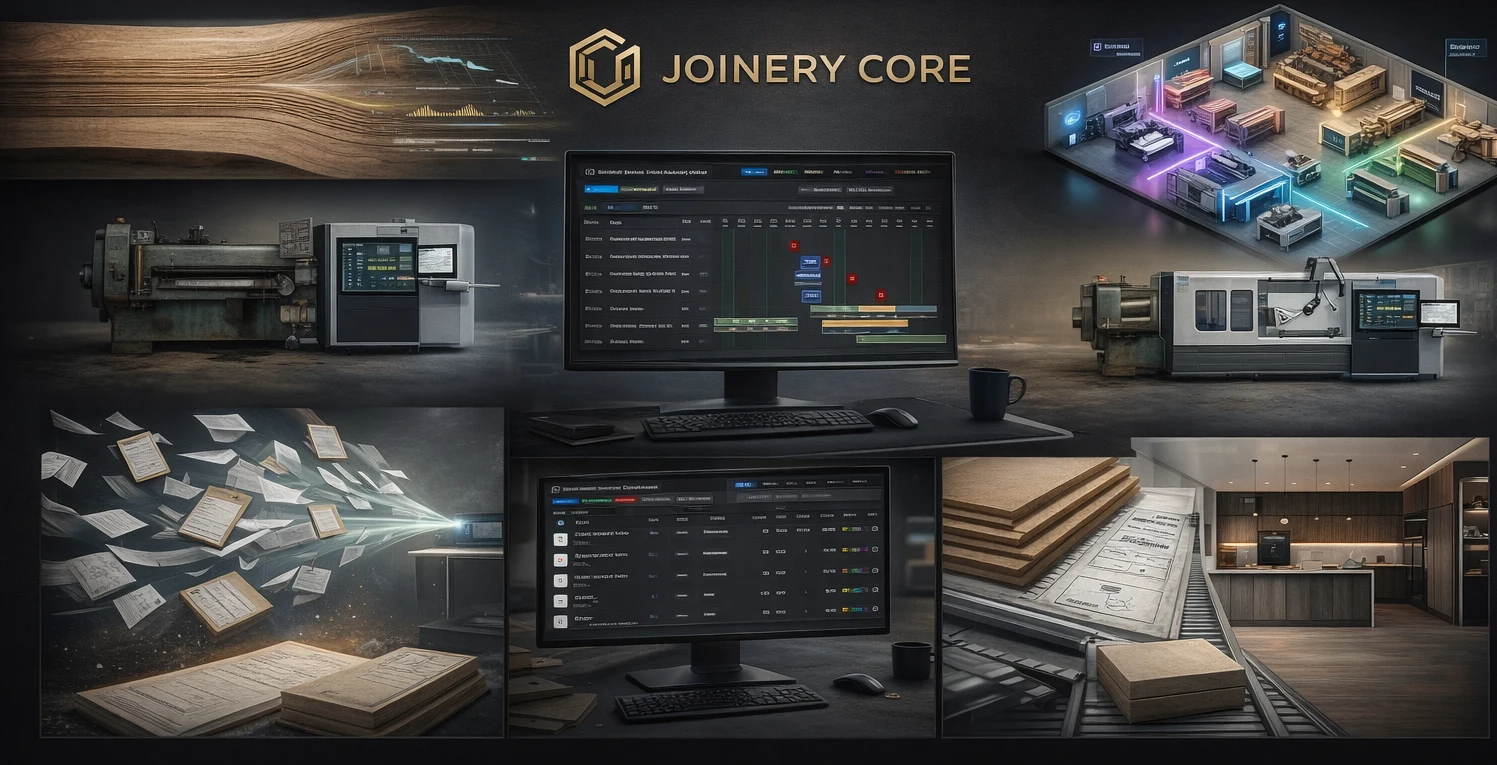
Trello is simple and free. You create a board, add some cards, drag them between columns. For personal to-do lists and simple projects, it's brilliant. But can you run a joinery workshop with it? Short answer: no. Here's why.
The Comparison
| Feature | Joinery Core | Trello |
|---|---|---|
| Gantt chart / timeline | ✓ Production Gantt | ✗ Kanban only |
| Joinery-specific phases | ✓ Cutting, spraying, glazing... | ✗ Generic cards |
| Stock control | ✓ Built-in | ✗ Not available |
| Team scheduling | ✓ Per-worker view | ✗ No scheduling |
| Financial tracking | ✓ Per project | ✗ No |
| Timesheets & wages | ✓ Built-in | ✗ No |
| Client management | ✓ Linked to projects | ✗ No |
| Date dependencies | ✓ Phase sequences | ✗ No |
| Price | From £49/month | Free (basic) |
Why Kanban Doesn't Work for Joinery
Kanban boards show cards moving from "To Do" to "In Progress" to "Done". That's fine for software bugs or marketing tasks. But in a joinery workshop, a project isn't a single card — it's ten phases happening across weeks, assigned to different workers, dependent on materials and each other.
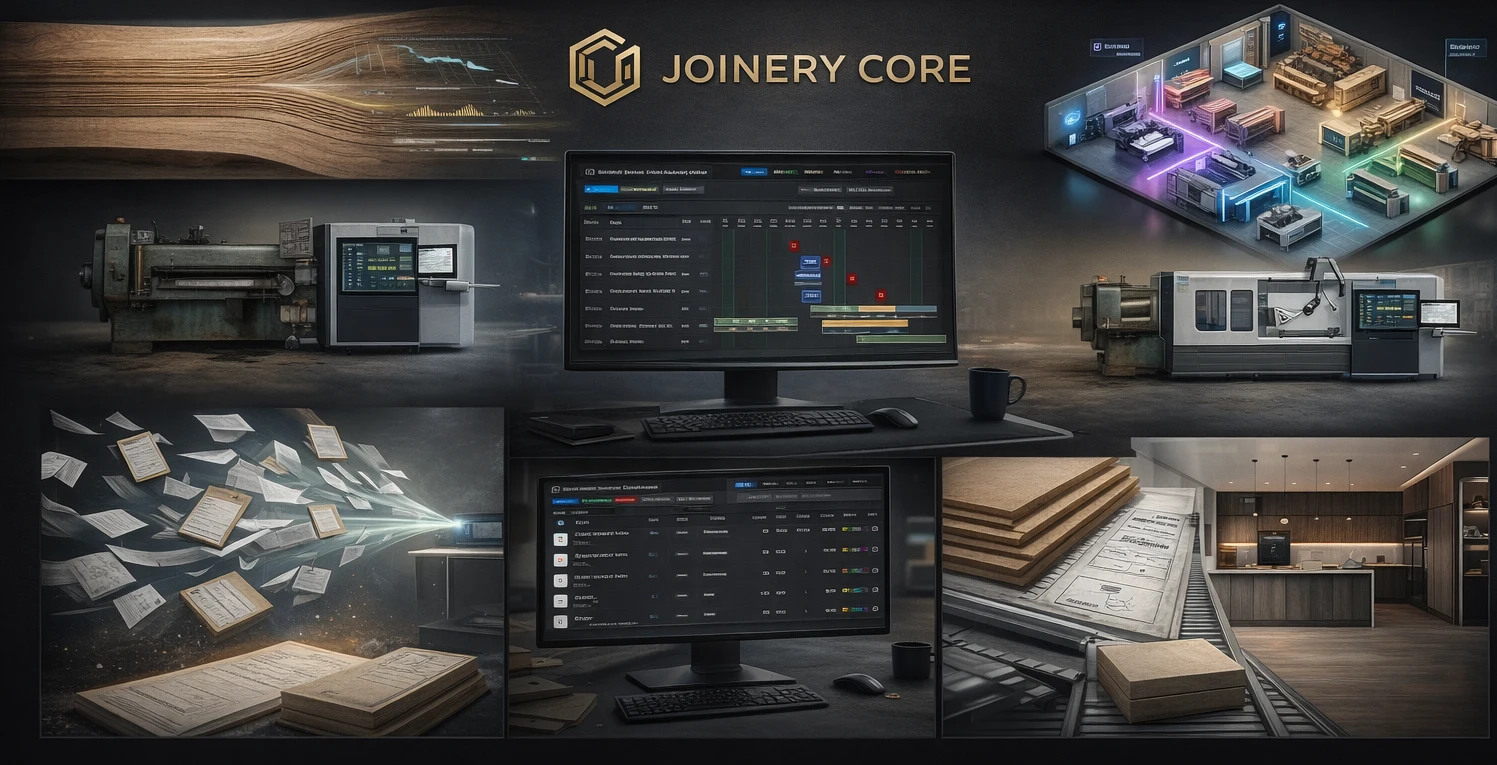
You can't see that your sprayer is overloaded next Thursday on a kanban board. You can't see that two kitchens need the same timber sheet on a kanban board. You can't see your workshop capacity three weeks out on a kanban board. You need a timeline.
Where Trello Still Works
Trello is excellent for quick internal lists — ideas, punchlist items, office tasks. Some workshops use Trello alongside Joinery Core for non-production work like marketing ideas or supplier follow-ups. Nothing wrong with that.
Choose Joinery Core when you need
- A production timeline, not a task board
- Stock control with low-stock alerts
- Worker scheduling across multiple projects
- Financial tracking per job
- Everything connected: project → client → stock → money
What a Trello card cannot hold
Be fair to Trello first. A board holds lists, a list holds cards, and a card carries a title, a checklist, a due date and attachments. A joinery job asks it to hold four things it cannot.
Materials. "Order six boards of oak" on a checklist is a note, not a reservation. In Joinery Core each project has a Materials List (MAT): add an item from stock and the quantity is reserved at once. Below the minimum the row turns yellow, below zero red, and Reserved shows which projects hold it.
Phases with dates. A card has one due date. A job has Timber, Spray, Glazing, QC and Dispatch, each with its own dates. On the Production Gantt you drag a bar per phase, or type the workdays and the system calculates the deadline.
Time on the job. A board does not know who spent three days on the sprayed doors. In Joinery Core the person assigned to a phase is the basis for that project's labour time.
The client's estimate. A card holds the quote as an attachment. Estimates in Joinery Core builds a Quick Quote or a Detailed Costing with materials, labour and margins; the bill of materials of a detailed estimate imports into the MAT list and reserves the stock. That thread from quote to stock is what a joinery project management tool needs.
Moving a workshop off Trello, step by step
There is no Trello import; you set the workshop up once, then enter the live jobs by hand, in the order of the Help's Getting Started chapter.
- Register, then Company Settings (address, logo, currency), Clients and Suppliers.
- Team, + Add Employee for everyone on the board, then Send Invite with a role: Admin, Manager, Employee or Viewer.
- Stock, Add Item: name, unit, opening stock, a minimum and a unit price.
- Click through one SAMPLE job from the Gantt to its materials, then Remove sample data.
- Enquiries go into Pipeline: Add New Project, stage Initial Contact, tick the phases needed. Pipeline Finished, WON, and the project appears in Production with those phases.
- Jobs already on the bench go straight to the Production Gantt: drag the bars, assign people, Freeze Plan once approved.
- Card comments become Team Chat: one thread per production project. Decisions that must last go into the project's Notes; the chat scrolls away, the notes stay.
If you came to Trello from a spreadsheet, Joinery Core vs Excel covers the stock side of the same move.
The mistake: moving the card to Done
On a board a job ends when the card reaches Done. In the workshop the cost is still open: the oak is used, the offcuts are in the bin, and stock still shows the quantity reserved weeks ago.
Joinery Core does not let a job end on a drag. At the end you press Mark as Used on each MAT line with the real usage and any waste. That posts Stock OUT against the project number, releases the reservation and sets the real material cost. Only three things ever change a stock level: Delivered, Mark as Used and a manual Stock Adjustment. Neither a board nor a spreadsheet can enforce that; see why Excel fails for joinery.
The plan gets the same treatment: company closures and approved leave are drawn as stripes on the Gantt, so you plan around them before you assign (see production planning). The Asana and Monday.com comparisons cover the other generic tools.
Frequently asked questions
Can we keep Trello for the office list?
Yes. A punch list of office jobs is what a board does well. Production, materials, team and money stay in Joinery Core, tied to a project.
Do we have to retype every card?
Only the live ones. A lead needs a project name, client, address and type; a job needs its phases and dates. Finished cards can stay in Trello as history.
Who sees the prices?
Estimates is open to the owner, admin and manager. An employee sees the schedules, Stock and their own timesheet, but no Clients and no money figures. A board shows its members every card; here the role decides.
The Bottom Line
Trello is free. Joinery Core costs £49/month. But Trello can't tell you which projects are profitable, whether you have enough oak in stock, or if your team is overbooked next week. For £49/month, you get a system that actually runs your workshop — not just a digital sticky note wall.
Your workshop deserves better than kanban
See your entire production, team, and stock on one screen. 14-day free trial, no credit card needed.