Cabinet Manufacturing Software — Run Your Shop Floor Without the Chaos
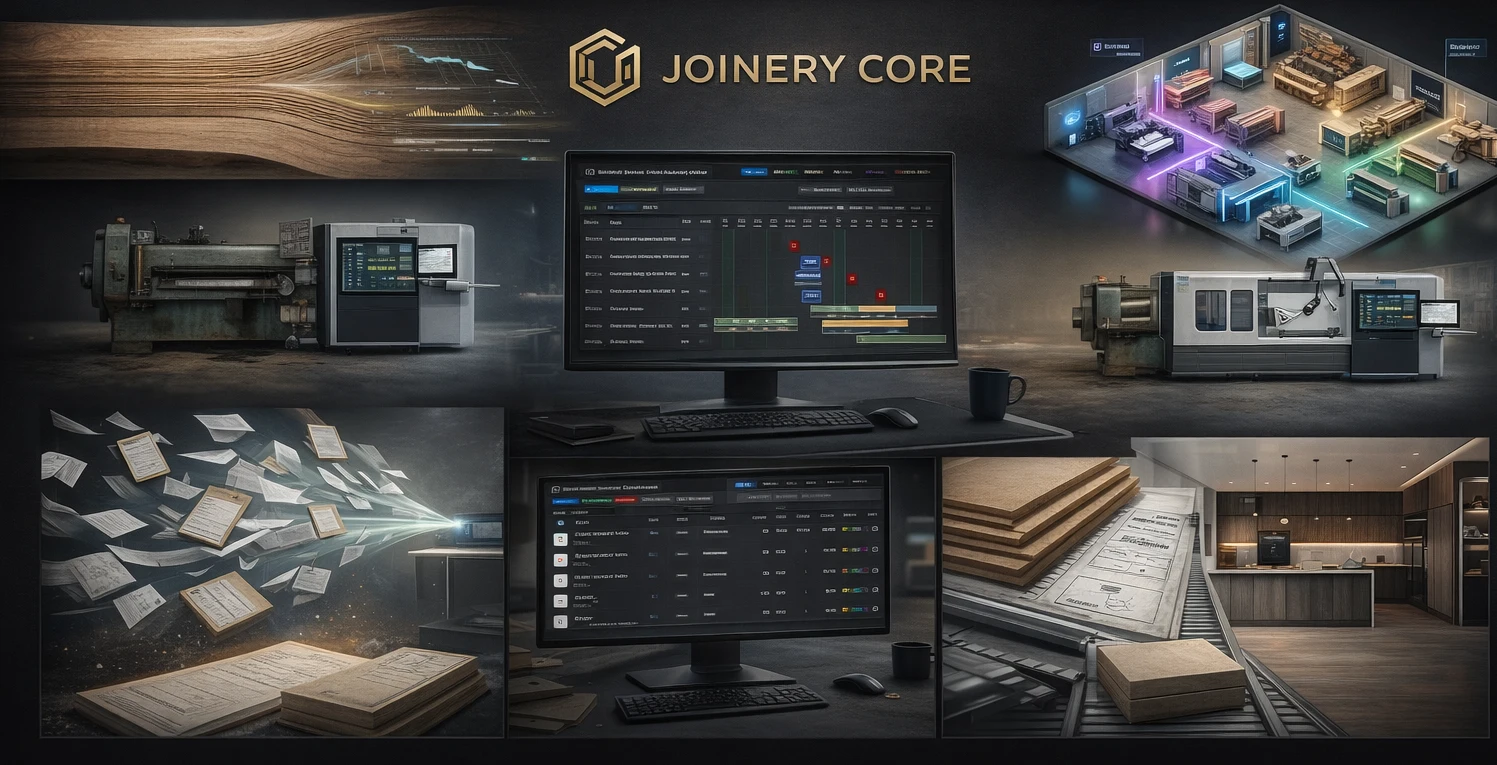
A cabinet manufacturing shop is a factory, even if it doesn't feel like one. Raw sheet goods and lumber come in one end. Finished, boxed cabinets go out the other. In between sits a sequence of operations — cutting, edge banding, assembly, finishing, hardware, quality control — that has to run in the right order, on the right timeline, with the right people and materials in place. When any link in that chain slips, the ship date slips with it.
Cabinet manufacturing software gives you a live picture of that whole flow. It isn't a design or CAD tool — it's the layer that manages the work once a project is confirmed: what's in production, what phase it's in, who's assigned, what materials it needs, and whether the job is making money. Here's what that looks like in a real shop.
Manufacturing is a sequence, not a to-do list
The mistake most shops make is treating production like a task list. But cabinet manufacturing has hard dependencies: you can't finish before assembly, you can't assemble before parts are cut, you can't ship before QC. A generic list doesn't understand any of that. It just shows tasks with due dates and lets you double-book your finisher three times over.
Purpose-built manufacturing software models the sequence. Each project moves through phases in order, and each phase has a duration, an assigned person, and a place in the shop calendar. When one phase runs long, you see the knock-on effect on everything downstream — immediately, not at the deadline.
See your whole shop on one schedule
The core of the system is a visual production schedule — a drag-and-drop Gantt chart showing every active project and every phase across time. You can see that assembly is jammed next week while finishing sits idle, or that two big jobs both land in the spray booth on the same Tuesday. Instead of finding out on the shop floor, you find out on the screen, and you move a phase before it becomes a bottleneck.
This is where the difference between a design tool and a manufacturing tool shows up. Design software helps you draw the cabinet. Manufacturing software helps you build a hundred of them, on time, across a shop full of people and machines.
Materials tracked against the job that used them
Cabinet manufacturing eats expensive materials — hardwood, plywood, melamine, edge banding, hardware, finishing products. If you're not tracking consumption per project, two things happen: you over-order to be safe, and you have no idea what a job actually cost in materials until long after it shipped.
Good software logs materials against the project that consumed them and tracks stock in real time, with low-stock alerts so you reorder before you run out — not the morning assembly is supposed to start. That means fewer emergency orders at emergency prices, less offcut waste, and real material-cost data on every job.
What cabinet manufacturing software should handle
- Sequenced production phases with real dependencies
- Visual shop-floor scheduling across all projects at once
- Material and inventory tracking with low-stock alerts
- Labor logged per phase, per project
- Job costing — real cost vs quoted price, per job
- Role-based access so the floor and the office see what they need
- Setup measured in hours, not months
Labor is your biggest variable — track it
Materials are expensive, but labor is usually where jobs quietly bleed. An extra day of sanding here, a re-spray there, a hardware batch that came in wrong and had to be redone. If you only track labor as a lump sum at the end of the week, you never see which jobs are eating it.
Manufacturing software ties labor to phases and projects. Each employee is assigned to specific phases, so the hours land against the right job. Over a few months you build a real picture of where your production time goes — and which types of work you're consistently under-quoting.
Job costing that tells the truth after the job ships
Every shop owner has quoted a job at one number and finished it at another. The quote said $18,000. Materials came in over. Finishing took two extra days. Nobody added it up, so the real margin stayed invisible — and the next quote for a similar job repeated the same mistake.
When materials and labor are both tracked against the project, job costing falls out automatically. At the end of the build you see the real margin, not the hopeful one. Do that across every job for a season and your quoting gets sharper on its own, because it's finally based on what things actually cost.
How Joinery Core fits a cabinet manufacturing shop
Joinery Core was built by a workshop owner to run a real production business — not designed in an office and sold to shops later. It manages the manufacturing side end to end: customizable production phases, a drag-and-drop schedule for the whole shop, real-time stock tracking, labor logged per phase, and per-project job costing. The office and the production floor work from the same system, with role-based access keeping financials and client data separate from the shop floor.
To be clear about what it is and isn't: Joinery Core is a shop-management and production platform, not CAD, 3D, cut-list optimization, or CNC software. It doesn't draw your cabinets or generate cut lists. It runs the business around them — the scheduling, materials, team, and money that turn a drawing into a shipped job. Many shops run design software for the drawing and Joinery Core for everything after.
Setup takes about an hour. Add your projects, set up your phases, bring in your team, and start scheduling. No consultants, no six-month rollout.
Run your shop floor from one screen
See every project, phase, material, and job cost in one place. 14-day free trial, no credit card needed.