Cabinet Shop Scheduling Software — Stop Managing Production in Your Head
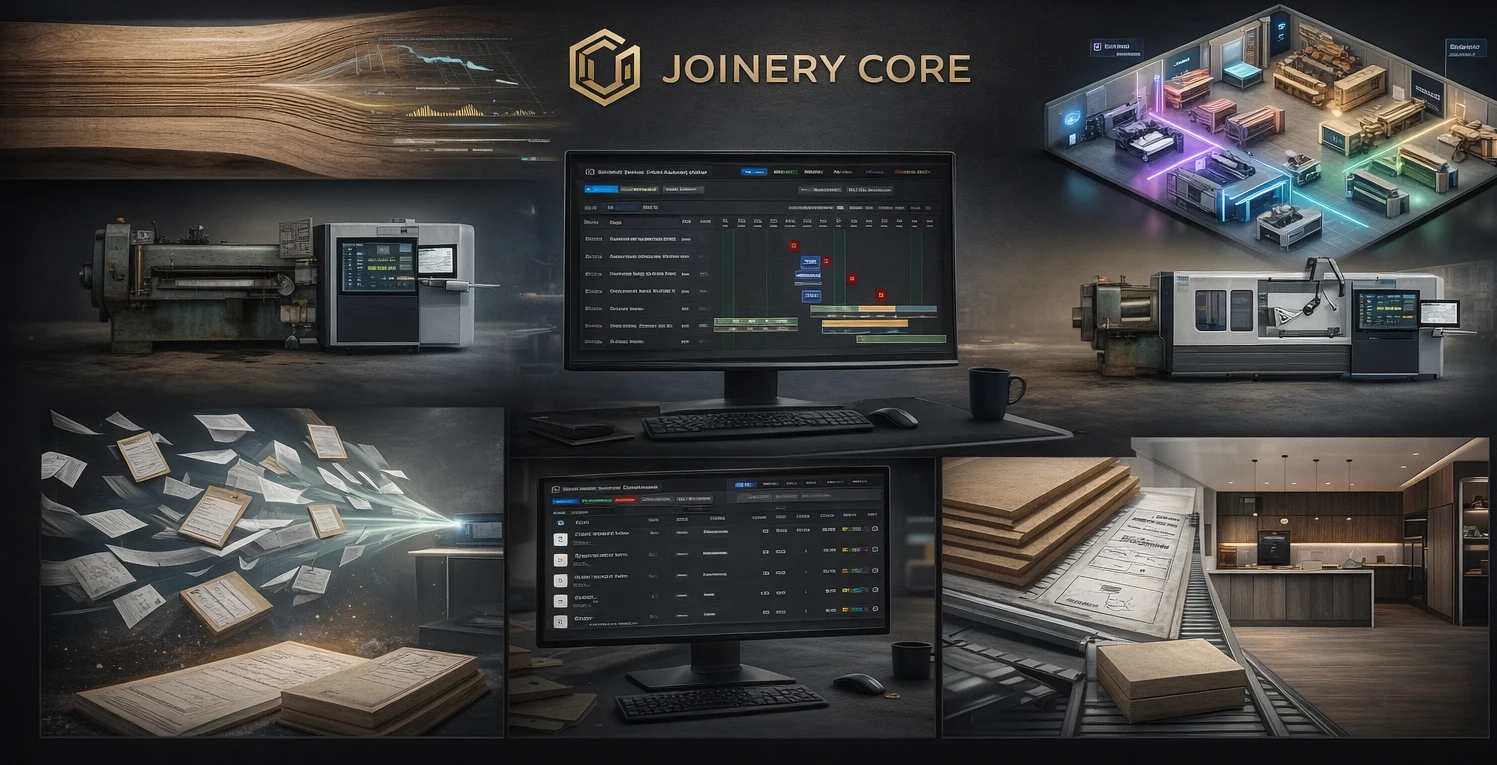
If you are running a cabinet shop with more than three active orders, you are scheduling production in your head, on a whiteboard, or in a spreadsheet. All three share the same failure mode: they do not show you conflicts until they become problems.
Why Scheduling Is Different in a Cabinet Shop
A plumber schedule is simple: Worker A goes to Job 1 at 9am, Job 2 at 1pm. A cabinet shop schedule is multi-dimensional: multiple orders run simultaneously, each passes through multiple phases, phases have dependencies, workers and equipment are shared across orders.
This needs a Gantt chart. Task lists, calendars, and kanban boards cannot show you that two orders need the spray booth in the same week.
What Good Scheduling Software Shows You
The Production Timeline
Every order on a row. Every phase as a coloured block. When a client calls asking for a delivery date, you look at the timeline: finishing starts Monday, QC Wednesday, delivery Thursday. Four-second answer.
Worker Allocation
Each phase needs workers. You can see that your assemblers are fully booked this week but your machinist has capacity. Without this view, allocation happens reactively.
Deadline Visibility
The schedule shows whether you will hit a delivery date or miss it — weeks in advance, not on the day. Late deliveries are the number one client complaint, and most are caused by scheduling failures caught too late.
Real Scenarios
Scenario 1: The surprise overlap
- Order finishing delayed by 2 days (paint colour wrong)
- Next order finishing was scheduled to start the day the first was supposed to finish
- Without software: you find out Monday morning when the booth is occupied
- With software: you saw the conflict Friday and adjusted
Scenario 2: The capacity question
- New order request with 4-week deadline
- Without software: you guess capacity and hope for the best
- With software: you see weeks 3-4 are full, quote 6 weeks or plan overtime
What Not to Use
| Tool | Why it fails for cabinet shops |
|---|---|
| Google Calendar | No phase dependencies, no multi-resource view |
| Trello / Kanban | Shows status, not timeline. Cannot see duration or conflicts |
| Excel | Can work but nobody updates it. No alerts, no dependencies |
| Jobber / Tradify | Built for field service — not production shops |
| Monday.com / Asana | Generic PM tools. You build a system instead of using one |
Getting Started
Enter your current active orders. Set up your production phases (5-8 phases). Add your team. Drag phases onto the timeline. This takes an hour, not a week.
Schedule your cabinet shop properly
Joinery Core gives you a production Gantt chart, team scheduling, and deadline visibility. Try free for 14 days.