Joinery Accounting Software — Financial Visibility for Workshop Owners
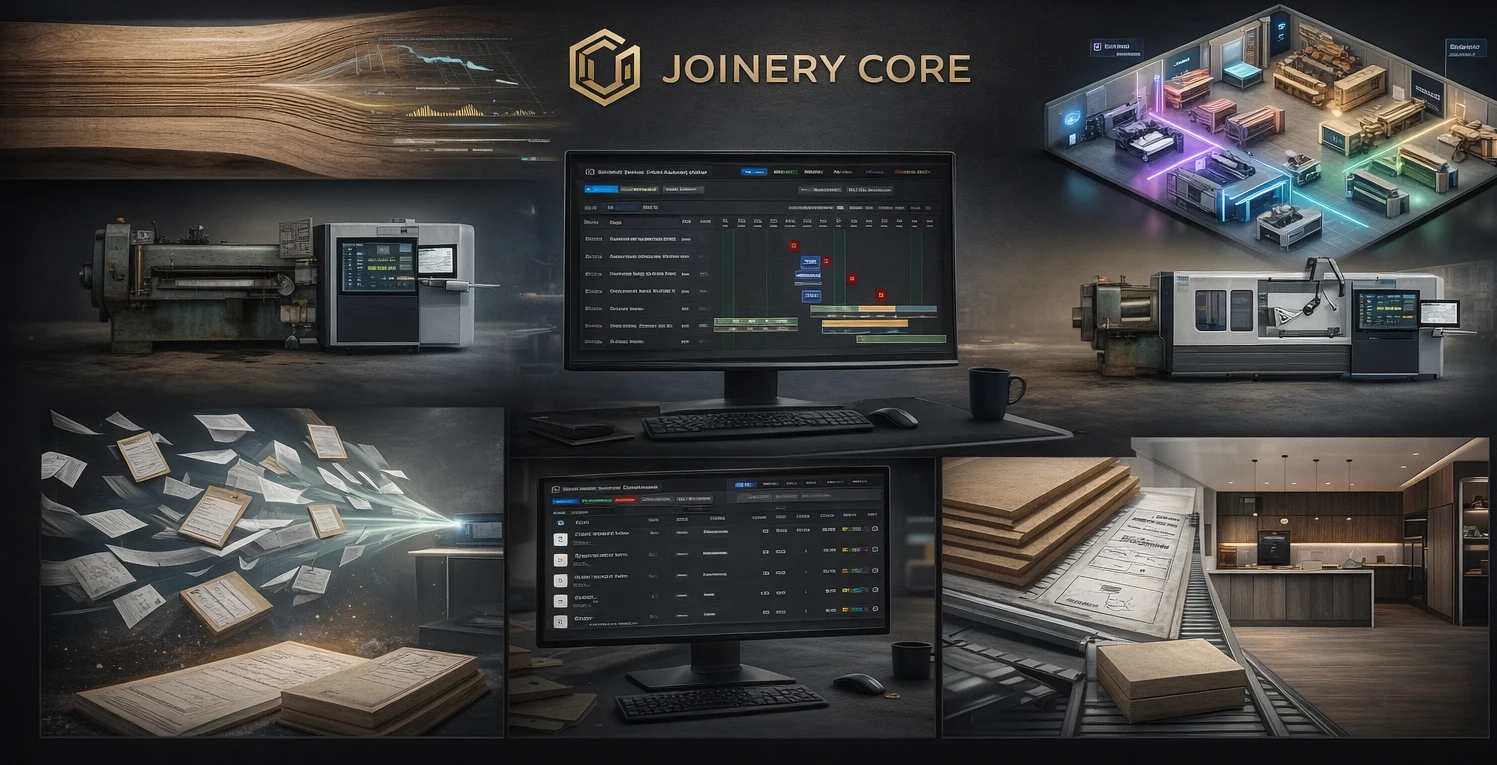
Most joinery workshop owners know their business is profitable — roughly. Annual accounts show a number at the bottom. Bank balance goes up more months than it goes down. But ask which specific projects made money this quarter, and most owners cannot answer with confidence until the accountant runs the figures three months later.
By then, the information is historical. You have already quoted ten more jobs using the same pricing assumptions that may have been wrong. Joinery accounting software closes this gap by showing project-level financial data in real time — not just what you invoiced, but what the project actually cost you.
What "Accounting Software" Means for Joinery
This is not about replacing Xero or QuickBooks. Those tools handle VAT returns, payroll, bank reconciliation, and statutory accounts. They are essential and they do their job well. What they do not do is tell you whether the Thompson kitchen made money or lost it.
Joinery accounting software — or more accurately, project financial tracking — sits alongside your accounting package. It answers the operational questions that Xero cannot:
- What have I spent on materials for this project vs what I quoted?
- How many labour hours have been recorded against this job?
- What deposits have been received and what is outstanding?
- What variations have been added and are they costed?
- What is my gross margin on this project right now — before it is finished?
Why General Accounting Software Falls Short
Xero and QuickBooks Track the Business, Not the Project
General accounting software shows you total revenue, total costs, and overall profit. It can allocate costs to categories (materials, labour, overheads) but it does not connect those costs to specific projects in a way that is practical for daily management.
Yes, you can use tracking categories or classes. But this requires disciplined data entry on every purchase and every timesheet — and it still does not give you a project dashboard showing live costs against budget. It gives you a report you run monthly and compare to a spreadsheet.
No Connection to Production
Accounting software does not know that the Thompson kitchen is in assembly this week, running two days behind schedule, and has used more timber than budgeted. It knows that you bought timber from your supplier on Tuesday. The connection between that purchase and the specific project it was used for requires manual allocation that rarely happens consistently.
What Per-Project Financial Tracking Looks Like
Quoted Value vs Actual Cost
Every project starts with a quoted value — the price the client agreed to pay. As production progresses, actual costs accumulate: materials booked out from stock, labour hours from timesheets, subcontractor invoices. The gap between quoted value and actual cost is your margin — and it moves every day.
Seeing this gap in real time means you can act before a project becomes unprofitable. If material costs are already at 80% of budget with assembly not yet started, you know there is a problem. Without this visibility, you find out at the end when it is too late to do anything except absorb the loss.
Deposit and Payment Tracking
Cash flow in joinery works differently from retail. You receive a deposit (typically 30-50%), possibly a stage payment before delivery, and a final balance after installation. Tracking which deposits have been received, which stage payments are due, and which final invoices are outstanding — per project — is essential for cash flow management.
Variation Tracking
Almost every joinery project has changes. The client adds an extra shelf. The architect revises a dimension. The site conditions require a modification. Each variation has a cost. Tracking variations separately from the original scope — with explicit cost implications — protects your margin and provides documentation if there is a dispute about the final price.
Labour Cost Per Project
If your team logs hours against projects (via timesheets), you can calculate the labour cost per project. This is not about payroll — it is about understanding how much labour time each project consumed. When the data shows that fitted wardrobes consistently take 40% more labour than quoted, you either improve your estimating or improve your production process.
Financial data that changes decisions
- Kitchens under 8,000 consistently make less than 10% margin — raise your minimum or adjust your process
- Spraying adds 15% to project costs — is your pricing reflecting this?
- Installation takes 30% more time than estimated on every project — fix the estimate
- Client X always adds variations but never pays for them — change your variation process
- Oak projects have 20% material waste, softwood only 10% — adjust waste factors in pricing
Integration vs Standalone
You have two options: a standalone financial tracking tool, or financial tracking built into your workshop management software.
Standalone tools (spreadsheets, dedicated costing software) work but require duplicate data entry. You enter material costs in both the costing tool and your accounting software. Timesheets go into both the HR system and the project tracker. This duplication reduces adoption — if it is too much work, people stop doing it.
Workshop management software with built-in financial tracking eliminates this problem. Material bookings automatically calculate costs. Timesheet entries automatically feed project labour costs. Deposits are recorded against projects. The financial picture builds itself as the team uses the system for their normal work.
What to Look For
- Per-project cost tracking (materials, labour, subcontractors)
- Quoted value vs actual cost comparison — live, not end of project
- Deposit and payment tracking per project
- Variation management with cost implications
- Multi-currency support if you work with international suppliers
- Data that feeds from production (timesheets, stock bookings) automatically
Frequently Asked Questions
Does this replace my accountant?
No. Your accountant handles statutory accounts, tax returns, and financial compliance. Project financial tracking handles operational questions: which jobs are profitable, where costs are running over, and how to price future work. They are complementary, not competing.
Do I need to enter everything manually?
In a good system, most financial data enters automatically. Material costs come from stock bookings. Labour costs come from timesheets. You may need to manually add subcontractor costs and deposits, but the heavy lifting is automated.
What if I have no financial data from past projects?
Start now. After three months of tracking costs per project, you will have enough data to see patterns. After six months, you will wonder how you ever quoted without it.
See project profitability in real time
Joinery Core tracks costs, deposits and margins per project. No more spreadsheet guesswork. 14-day free trial.