Joinery Production Software — Plan Every Phase From Cutting to Install
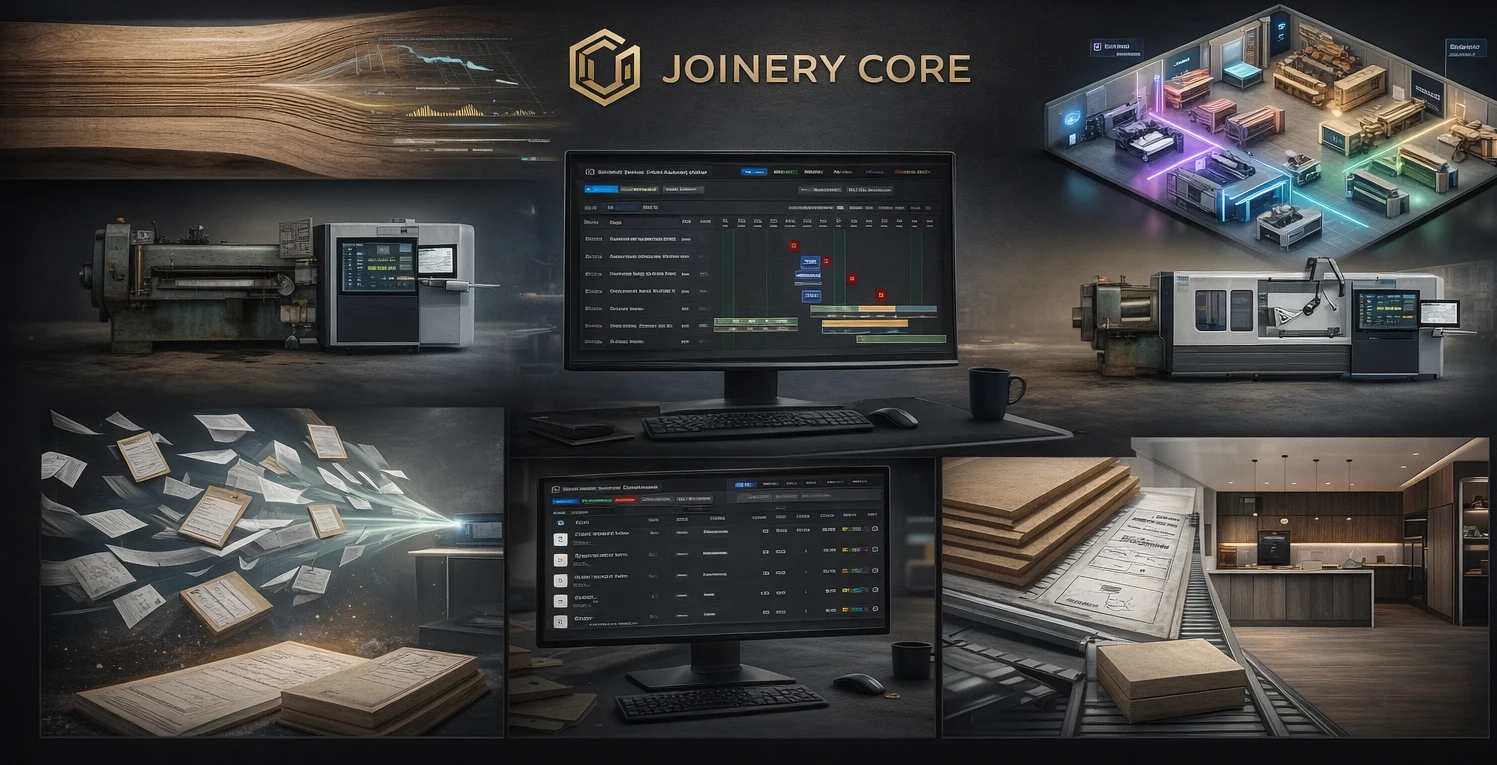
Joinery production doesn't follow a straight line. One project needs spraying before another can start assembly. Your glazier only comes on Wednesdays. The timber delivery for project 003 arrived a week late, pushing everything back. Managing this with memory, phone calls, and a whiteboard works until it doesn't — and it usually stops working around project number five.
What Production Software Does for a Joinery Workshop
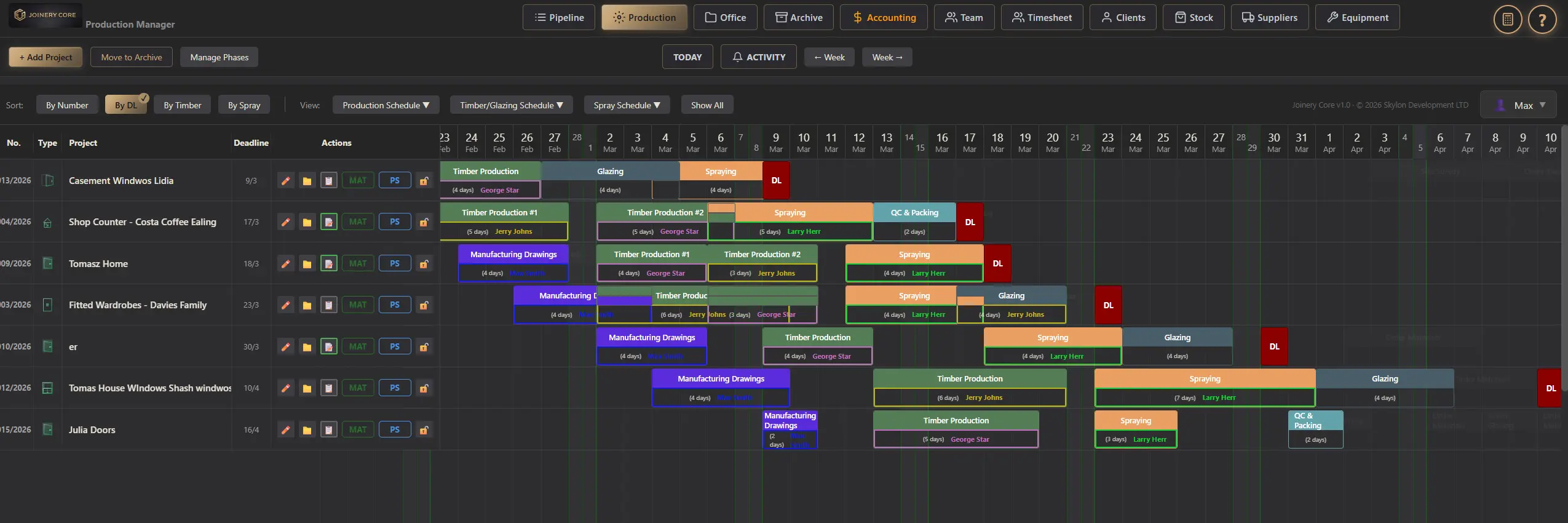
Production software replaces the mental juggling act with a visual system. Every project is broken into phases — the actual stages your workshop follows: cutting, machining, assembly, sanding, spraying, glazing, quality control, packaging, and installation. Each phase has a duration, a responsible worker, and sits on a timeline alongside every other project.
When something changes — and it always does — you drag a phase to its new date and instantly see the knock-on effects. Will this delay push spraying into next week? Is your fitter now double-booked? You see it before it happens.
Why Generic Tools Don't Cut It
Tools like Asana, Trello, or Monday.com can track tasks — but they don't understand production sequences. They don't know that you can't spray before sanding is done. They can't show you all spraying work across every project for this month. They don't connect production to stock levels or project costs.
Joinery production software understands the workshop. It knows that phases have sequences, workers have limits, and materials must be available before a phase can start.
What you get with Joinery Core
- Gantt chart showing all active projects simultaneously
- Joinery-specific phases: cutting, machining, assembly, spraying, glazing, QC, packaging, installation
- Assign workers to individual phases
- Drag-and-drop rescheduling across the timeline
- Filter by worker to see one person's full schedule
- Filter by phase type to see all spraying work this month
- Connected to stock — see if materials are available before scheduling
A Day With Production Software
Monday morning. You open Joinery Core and see this week's production across all eight active projects. Two kitchens are in assembly, a staircase is being sprayed, internal doors are in QC, and a new shopfront starts cutting today. Your sprayer finishes the staircase on Wednesday and moves to the kitchen doors on Thursday. Your fitter is free from Friday for the installation at site.
A client calls: "Can you push our delivery forward a week?" You check the timeline. Moving the kitchen installation forward means spraying needs to finish by Wednesday instead of Friday. Your sprayer is free — it works. You confirm on the phone while looking at the screen. No walking to the workshop, no asking three people, no guessing.
The Bottom Line
Production software doesn't add admin to your day — it replaces the admin you're already doing badly with memory and phone calls. When every phase is visible, every worker is scheduled, and every delay is caught before it costs money — your workshop runs the way it should.
See your production clearly for the first time
Every project. Every phase. Every worker. One screen. Try free for 14 days.