Software for Shopfitters — Managing Tight Deadlines, Multi-Site Rollouts and Night Installs
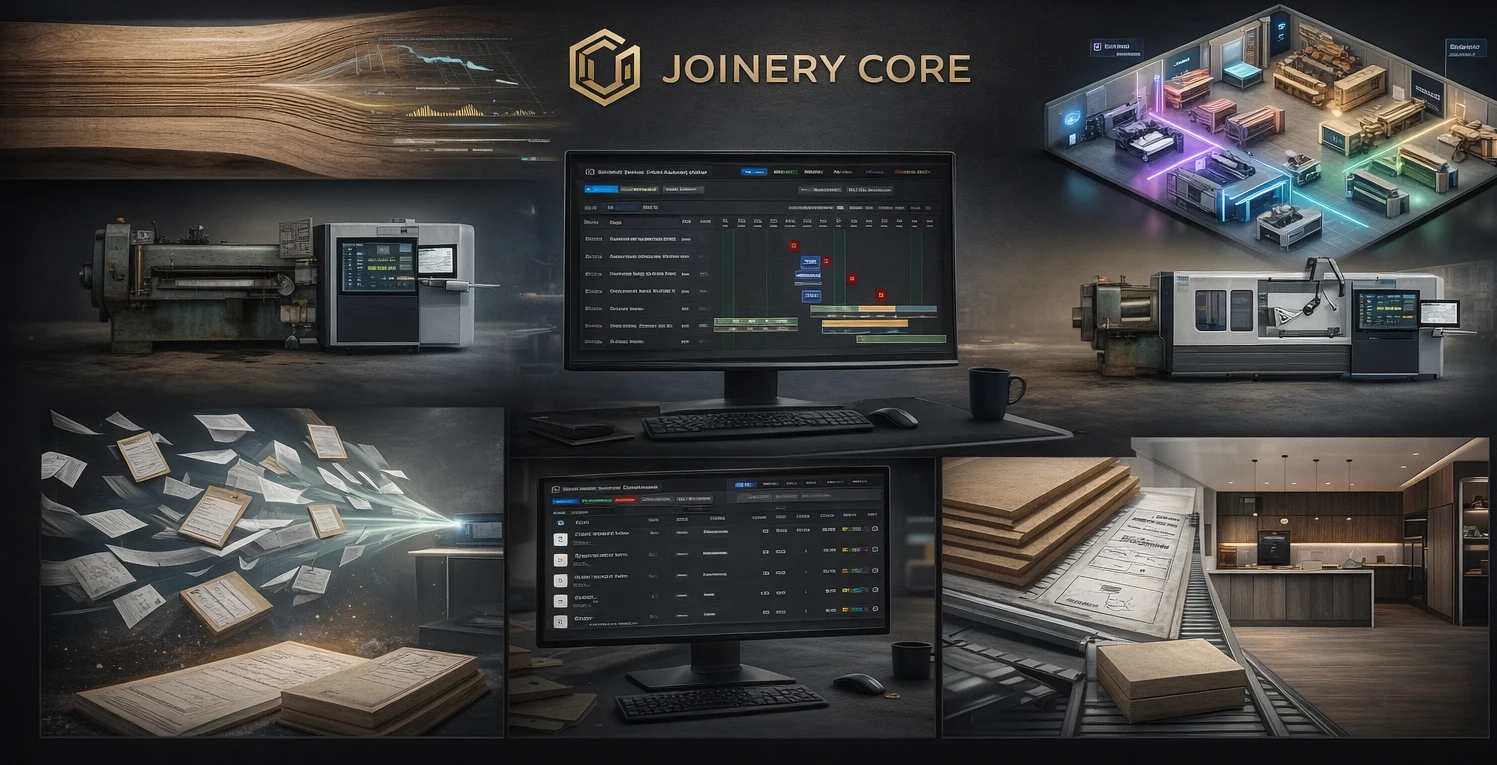
Shopfitting is joinery under pressure. Retail clients want their stores open on the agreed date, not a day later. Penalty clauses are common. Installations happen overnight or over weekends to minimise disruption. A single project might involve manufacturing 200 identical display units, delivering them to 15 sites across the country, and installing them all within a two-week window — while simultaneously producing bespoke reception counters for a different client.
This pressure makes production management software essential. But the specific demands of shopfitting — batch production, multi-site logistics, night installations, and tight coordination with main contractors — mean that generic workshop software often falls short.
What Makes Shopfitting Different
Batch Production at Speed
Unlike bespoke joinery where every product is unique, shopfitting often involves producing identical or near-identical units in quantity. Fifty display gondolas. Thirty wall bays. Twenty cash wrap units. The production challenge is not complexity per unit — it is throughput. Your workshop needs to produce 50 units in four weeks, which means your CNC, edgebander, and assembly stations need to run at capacity with minimal changeover time.
This requires different scheduling. Instead of tracking each unit as a separate project, you schedule production runs: "Week 1-2: CNC and cutting for 50 gondolas. Week 2-3: assembly. Week 3-4: finishing." The Gantt chart shows production batches, not individual items.
Multi-Site Delivery and Installation
A retail rollout project means delivering and installing in multiple locations. Site 1 installs Monday-Tuesday. Site 2 installs Wednesday-Thursday. Site 3 the following Monday. Each site needs its allocation of units delivered on time, an installation team briefed on the site layout, and coordination with the store manager or main contractor for access.
Managing this logistics requires tracking per-site status: manufactured, packed, delivered, installed, snagged, signed off. A single project with 15 sites means 15 separate installation events to schedule, each with its own access arrangements and completion requirements.
Night and Weekend Work
Retail clients cannot close their stores during trading hours. Installations happen between 6pm and 6am, or over weekends. This means your installation teams work antisocial hours, which affects scheduling, costs (overtime rates), and team availability. A fitter who worked overnight Monday-Tuesday cannot install again Tuesday-Wednesday without rest.
Your scheduling software needs to account for this. If you schedule two consecutive night installs for the same team, you will either have exhausted fitters making mistakes or a no-show on the second night.
Coordination with Main Contractors
Shopfitting rarely happens in isolation. You are one of several trades on site — electricians, plumbers, flooring, signage, IT. The main contractor controls the programme and your installation slot is fixed. If you miss your slot because production ran late, the whole programme shifts and the cost comes back to you.
What Shopfitting Companies Need from Software
Project Templates for Repeat Work
If you regularly produce the same type of project (retail rollouts, restaurant fit-outs, hotel room packages), you should not be creating the production schedule from scratch each time. Software that lets you save project templates — with predefined phases, typical durations, and material lists — means a new project starts with 80% of the setup already done.
Batch Production Scheduling
Production scheduling for shopfitting needs to handle batches, not just individual projects. "Cut 200 shelves this week, edge them next week, assemble into 50 units the week after" is a different scheduling model from "Project A is in cutting, Project B is in assembly." Some projects need both — batch production of standard units alongside bespoke one-off pieces.
Installation Team Logistics
Your workshop team and your installation team have different schedules, different locations, and different constraints. Workshop scheduling is about production flow. Installation scheduling is about geography, access times, and team rotation. Software that handles both — showing workshop production and site installations on the same timeline — prevents the disconnect where production finishes but nobody booked the fitters.
Financial Control Per Project and Per Site
A multi-site rollout might be one contract but 15 separate installations. Tracking costs at the project level tells you overall profitability. Tracking costs per site tells you which locations were straightforward and which caused problems. If Site 7 took twice the installation time because of poor access and incomplete builder work, you need to know — both for variation claims and for quoting future work at similar sites.
Deadline and Milestone Tracking
Shopfitting projects have hard deadlines with financial consequences. Software needs to make these deadlines visible — not buried in a spreadsheet but prominent on the production schedule. When production is falling behind the required pace to meet a delivery deadline, you need to see that warning two weeks early, not two days early.
Real cost of a missed deadline in shopfitting
- Penalty clauses: typically 0.5-2% of contract value per day late
- Abortive site visits: fitters travel to site, store not ready, return empty-handed
- Rescheduling cascades: missing one site pushes the next three back
- Client relationship damage: retail clients talk to each other — one late project can cost you the next tender
- Overtime costs: rushing production to recover lost time costs 1.5-2x normal rates
Common Challenges
Managing Variations on Fast-Track Projects
Retail clients change their minds. A display unit that was 1200mm wide is now 1000mm because the store layout changed. The countertop material switches from laminate to solid surface. These variations happen mid-production and need to be tracked — both for cost recovery and for making sure the workshop builds the right thing. On a fast-track project, a variation instruction that gets lost in an email thread can result in 50 wrong units.
Quality Across Volume
When you are producing 50 identical units, quality must be consistent across all 50. Unit 1 and unit 50 need to look the same. This requires process control — documented procedures, jigs and templates, and quality checks at key stages. Your production software should support this by making QC a visible phase in the schedule, not something that happens informally.
Subcontractor Management
Shopfitting projects often include elements beyond joinery: metalwork, glass, upholstery, signage, electrical. Managing subcontractors — their lead times, delivery dates, and quality — is part of the project. If the metalwork frame is late, your assembly line stops. Software that tracks subcontractor deliveries alongside production phases keeps everything visible.
Frequently Asked Questions
Can I manage both workshop production and multi-site installations?
Yes. Define installation as a phase within each project, with site-specific details. For multi-site rollouts, you can create sub-phases per site so each installation appears separately on the timeline.
How do I handle batch production scheduling?
Schedule production as phases with quantities. A phase like "CNC cutting — 50 gondolas" runs across specific dates with allocated workers. This is more practical than creating 50 individual project entries.
What about tracking costs for tender pricing?
Historical project data — actual labour hours, material costs, and installation time per project type — builds your pricing database. After completing ten retail rollouts, you know exactly what a 15-site project with 200 units costs to deliver. That data wins tenders.
Production management for shopfitting companies
Joinery Core handles batch production, team scheduling and deadline tracking. 14-day free trial.