Wood Shop Management Software — Run the Whole Shop From One Place
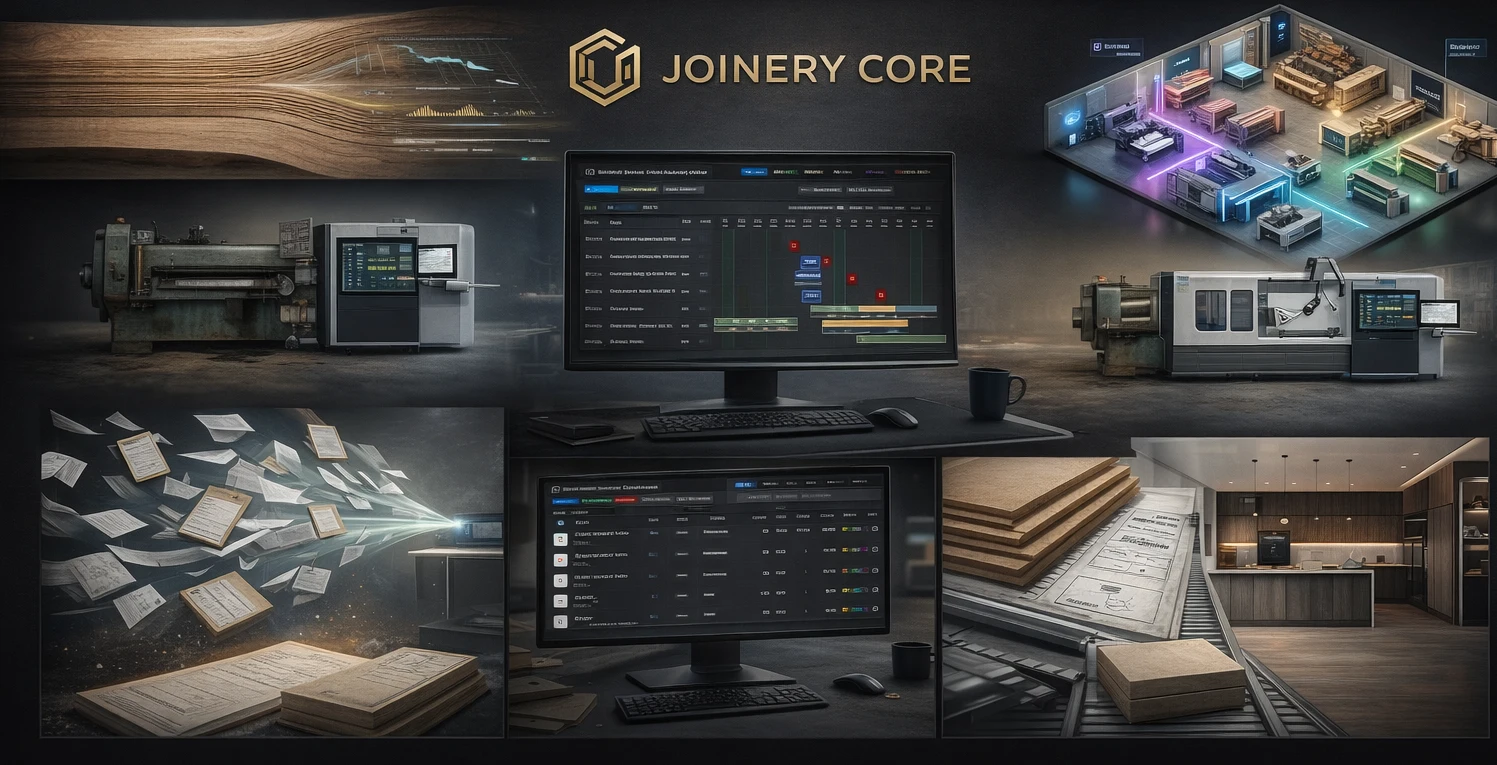
Most woodworking shops run on a mix of spreadsheets, a whiteboard, a stack of paper drawings, and the owner's memory. It works when you've got two projects and two people. Add a few employees and a full order book, and the cracks show: a job slips because nobody scheduled it, materials run short mid-build, and at month end you can't say which projects actually made money.
Woodworking shop software pulls all of that into one place. It's not a design or CAD tool — it's the operations layer that manages your projects once they're confirmed: scheduling, materials, team, and job costing. Here's what it does and how to know if your shop is ready for it.
One screen for every project in the shop
The single biggest change is seeing your whole shop at once. Instead of a whiteboard that's out of date by lunchtime, you get a live schedule showing every active project, what phase it's in, and who's working on it. When one job runs long, you see the effect on everything behind it and can react before it becomes a missed deadline.
A drag-and-drop schedule means adjusting is easy: move a phase, reassign an employee, slot a small job into a gap. The shop's real capacity becomes visible, so you stop over-promising dates you can't hit.
Materials tracked so you stop guessing
Wood, sheet goods, hardware, finishes — a woodworking shop ties up real money in materials and wastes real money when they're not tracked. Over-ordering to be safe, offcuts that get lost, shortages found mid-project when it's too late to order cheaply. Software that tracks stock in real time and logs materials against each project fixes all three: you reorder on alerts, waste less, and know what each job actually consumed.
What woodworking shop software should handle
- Visual scheduling across every project (a real Gantt, not a list)
- Material and inventory tracking with low-stock alerts
- Team management with role-based access
- Labor logged per phase for accurate job costing
- Per-project file storage for drawings, specs, and photos
- Works on desktop, tablet, and phone
- Setup in an hour, not a six-month rollout
Manage the team without the guesswork
With three or four people you keep the schedule in your head. At six or eight you can't — someone's double-booked, someone's idle, the new hire doesn't know what to start Monday. Woodworking shop software shows each employee's week, lets you assign people to project phases, and flags conflicts before they cause delays. Role-based access means the shop floor sees schedules without seeing financials or client data.
Find out which jobs actually make money
Most shops know their total revenue but not their per-job margin. That's how you keep taking on work that loses money without realizing it. When materials and labor are tracked against each project, job costing is automatic — you see the real margin on every job, and your quoting gets sharper because it's based on what work actually costs, not a hopeful guess.
Why generic tools fall short
Trello, Asana, and Monday.com are fine for task lists, but a woodworking shop isn't a task list — it's a small manufacturing operation. Phases follow an order, materials tie to projects, and scheduling has to respect shop capacity. Generic tools need hours of setup to approximate that, and still miss the manufacturing logic. Purpose-built shop software understands it out of the box.
How Joinery Core works for a woodworking shop
Joinery Core was built by a workshop owner who needed exactly this — it started as an internal system for a real shop and grew into a platform for any business where projects move through production stages. You get customizable production phases, a drag-and-drop schedule for the whole shop, real-time stock tracking, per-project job costing, and team management with role-based access. Office and floor work from one system.
To be clear about scope: Joinery Core is not CAD, 3D, cut-list, or CNC software. It doesn't draw your projects or generate cut lists. It runs the business around them — the scheduling, materials, team, and money. Plenty of shops use design software for the drawing and Joinery Core for everything after.
Setup takes about an hour. Add your projects, set your phases, bring in your team, and start scheduling — no consultants, no training courses.
Run your whole shop from one screen
Every project, phase, material, and job cost in one place. 14-day free trial, no credit card needed.