AI Production Assistant for Joinery Workshops
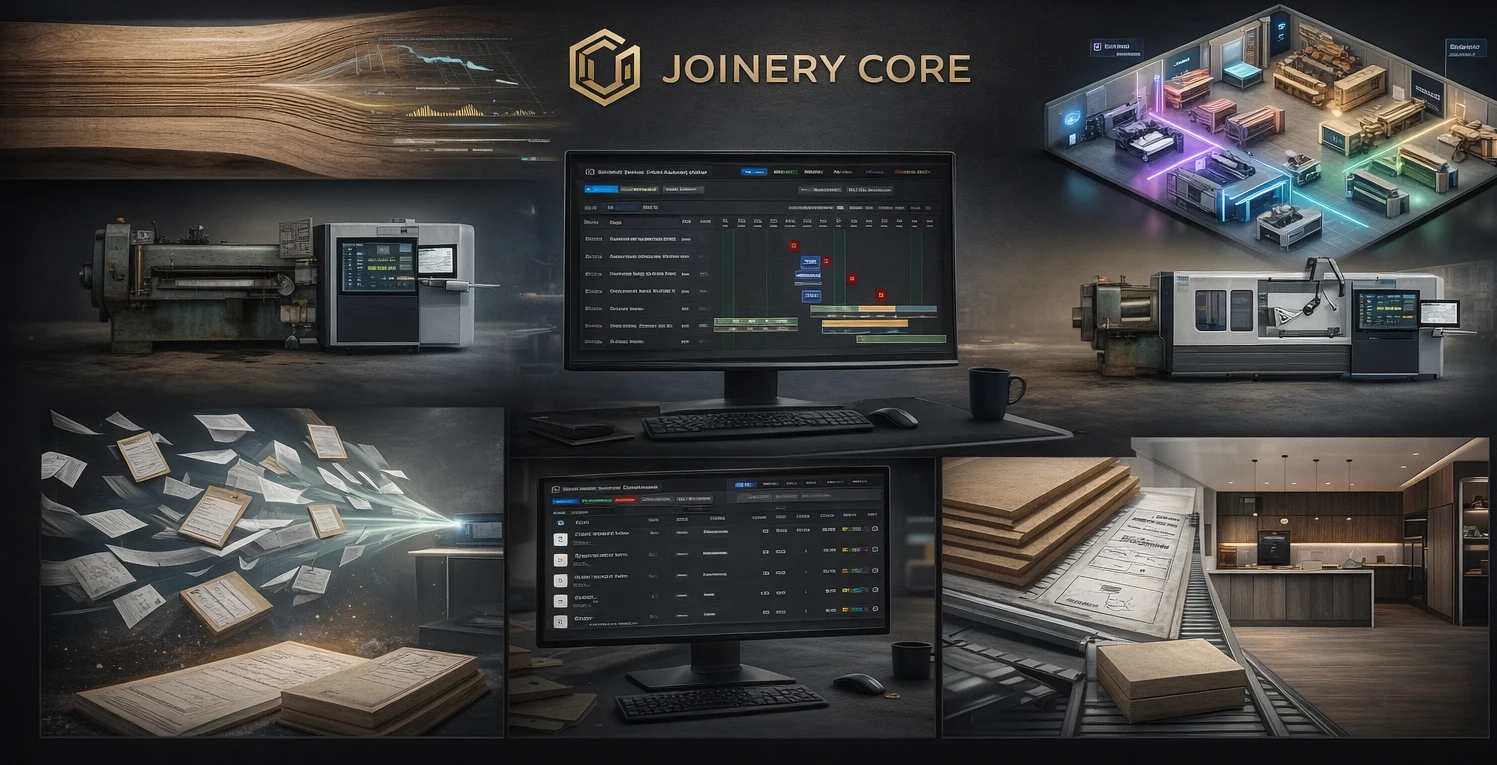
Software that only stores your schedule waits for you to spot the problem. You scroll the Gantt, hope you notice that a joiner is booked off the same week he is meant to be spraying, and find out the hard way when timber was never ordered before the bench came free. On a busy week the mistakes that cost the most are the quiet ones — nobody scheduled the work, nothing was ordered, two jobs land on the same person.
An AI production assistant turns that around. It reads your live schedule, works out where the trouble is, and tells you in plain English — before it costs you a day of idle bench time or a rushed delivery. This page explains exactly what it watches for, how it talks to you, and the one thing it will never do: change your plan on its own.
What the AI Production Assistant Actually Does
Inside Joinery Core the assistant sits on your Production and Office screens as an "AI Assistant" button. Open it and it gives you a short, plain summary of what needs attention right now, plus a tidy list of the specific issues it found. It works like an experienced foreman glancing over the board first thing in the morning — not a dashboard of charts you have to interpret yourself.
It does this from your live data every time you open it. There is no overnight report that goes stale; if you fixed something an hour ago, it is already gone from the list. The assistant always describes the workshop as it stands right now.
The Problems It Catches
The assistant is not guessing. It checks your schedule against a set of clear rules and only raises something when it is genuinely true. These are the kinds of problems it flags today.
A live project with no phases planned
A job is on the board but nobody has broken it into phases — no timber, no spray, no fitting. It is easy for a new enquiry-turned-project to sit like this for a week. The assistant points it out so the work actually gets scheduled.
Someone assigned during their booked holiday
A joiner is set to work a phase on days he is away on approved holiday. On a wall of coloured bars this clash is almost invisible. The assistant catches it, names the days, and when you click the issue it highlights the exact holiday days on the Gantt so you can move the work or the person.
Materials not ordered when they should be
When the drawings (MD) phase for a project is finished but no materials have been added to the job, that is the moment to order — and the assistant flags it in red. If there is no drawings phase at all, it raises a gentler reminder that the job still has no materials. If the drawings are still in progress, it stays quiet, because it is simply too early.
A phase about to start with nobody on it
A phase is due to begin within the next three days and still has no one assigned. Far enough out it would just be noise, so the assistant only raises it once the start is close — when an empty slot actually matters.
A production phase with no order behind it
On the Office side, if a project has a spray phase but no "order spray" phase, or glazing with no "order glazing", or timber with no materials order, the assistant points it out. The work is planned but the thing it depends on was never set up — exactly the gap that leaves a bench idle waiting for finishes that were never ordered.
It Only Advises — It Never Changes Anything
This is the part that matters most, and where honest software earns trust. The assistant reads and it advises. It does not move phases, reassign people, order materials or edit dates by itself.
- Nothing happens without you. If you ask what to do about a clash, it explains what it would suggest — but you make the change in the normal screens, and the system works out the exact dates. The assistant never has its hand on the save button.
- It tells the truth about now. Because it reads fresh data each time, it never repeats a stale fact from a conversation last week. If the job is sorted, it says so.
- It says when it does not know. If you ask about something it was not given, it tells you plainly rather than inventing an answer.
What It Is Not
Being clear about the limits is more useful than overselling. The AI production assistant is a watchful helper for the schedule, not a design tool and not an autopilot.
- It is not CAD, 3D, a cut-list generator or CNC software. It does not design units or produce machining files — keep the design tools you already use.
- It does not run your workshop for you. It points out problems and answers questions; the decisions and the changes are yours.
- It is an assistant, not a separate product. It lives inside the production schedule you already work in.
What the assistant watches for
- Live projects with no phases planned
- People assigned to a phase on a day they are on booked holiday
- Drawings finished but no materials added yet (time to order)
- A phase starting within three days with nobody assigned
- A production phase with no matching order phase behind it
How It Fits Your Day
The point of the assistant is to make the start of the day faster, not to add another screen to babysit. A typical flow: you open it in the morning, read the short summary, and skim the list of what needs attention. You say thanks, close it, and fix the one or two real things during the day. Next time you open it, the items you sorted are simply gone.
When you want detail, click any item on the list and it jumps straight to that project on the Gantt and highlights it — the right row, or the exact days in question — so you are not hunting through the board to find what it meant.
Production and Office — Two Views, One Assistant
The assistant knows which screen you are on. On the Production (Dashboard) view it focuses on the build — unplanned jobs, holiday clashes, materials, and phases about to start without anyone on them. On the Office view it focuses on procurement — the order phases that need to be in place before production can run. Same assistant, the right concerns for where you are standing, so neither screen drowns you in things that belong to the other.
Ask It Anything About the Workshop
Beyond the list, the assistant is there to answer. Ask it "what does the Anderson job still need?", "why is this project sitting?", or "which jobs have no one on them this week?" and it answers from the live schedule in plain words. It is the difference between a static alert and a colleague who actually knows what is on the board.
Why "Built by a Workshop, Not a Software Company" Matters
Joinery Core is built by a workshop owner who runs a real joinery business (Skylon Joinery), with development by his son Alex. That background is the reason the assistant flags the things that actually cost a workshop money — idle benches, missed orders, a fitter double-booked — rather than a generic set of project-management warnings. The rules came from the mistakes a real workshop has paid for, which is why it stays quiet when there is nothing wrong and speaks up at the moment it counts.
Frequently Asked Questions
Does the assistant change my schedule automatically?
No. It only reads and advises. It will tell you about a clash or a gap and suggest what it would do, but every change is made by you in the normal screens — the assistant never saves anything itself.
Will it bury me in alerts?
No. It only raises something when a clear rule is genuinely met, and several rules are deliberately timed — for example, an unassigned phase is only flagged once it is within three days of starting. When the workshop is in order, the list is short or empty.
How current is it?
It reads your live data every time you open it, so it reflects the workshop right now. Fix a problem and it disappears from the list the next time you look — there is no overnight report to go out of date.
Is this a separate product?
No. The AI production assistant is part of Joinery Core, alongside your Gantt schedule, estimating, stock and job costing — one system, not a bolt-on.
Do I need it to use Joinery Core?
No. The schedule, estimating and the rest work exactly as before. The assistant is there to catch problems early when you want a second pair of eyes on the board.
New: the AI now reads your machine manuals too
The production assistant watches your schedule; its newer sibling on the Equipment page reads the PDF manuals you upload to your machines and answers servicing questions with page citations. Blade changes, adjustments, troubleshooting, straight from your own manual. See how the AI machine assistant works →
Catch the quiet mistakes before they cost you
Let the AI production assistant watch your schedule and flag the clashes, gaps and missed orders — you make every change. 14-day free trial, no card.