Cabinet Order Management Software — Never Lose Track of a Job
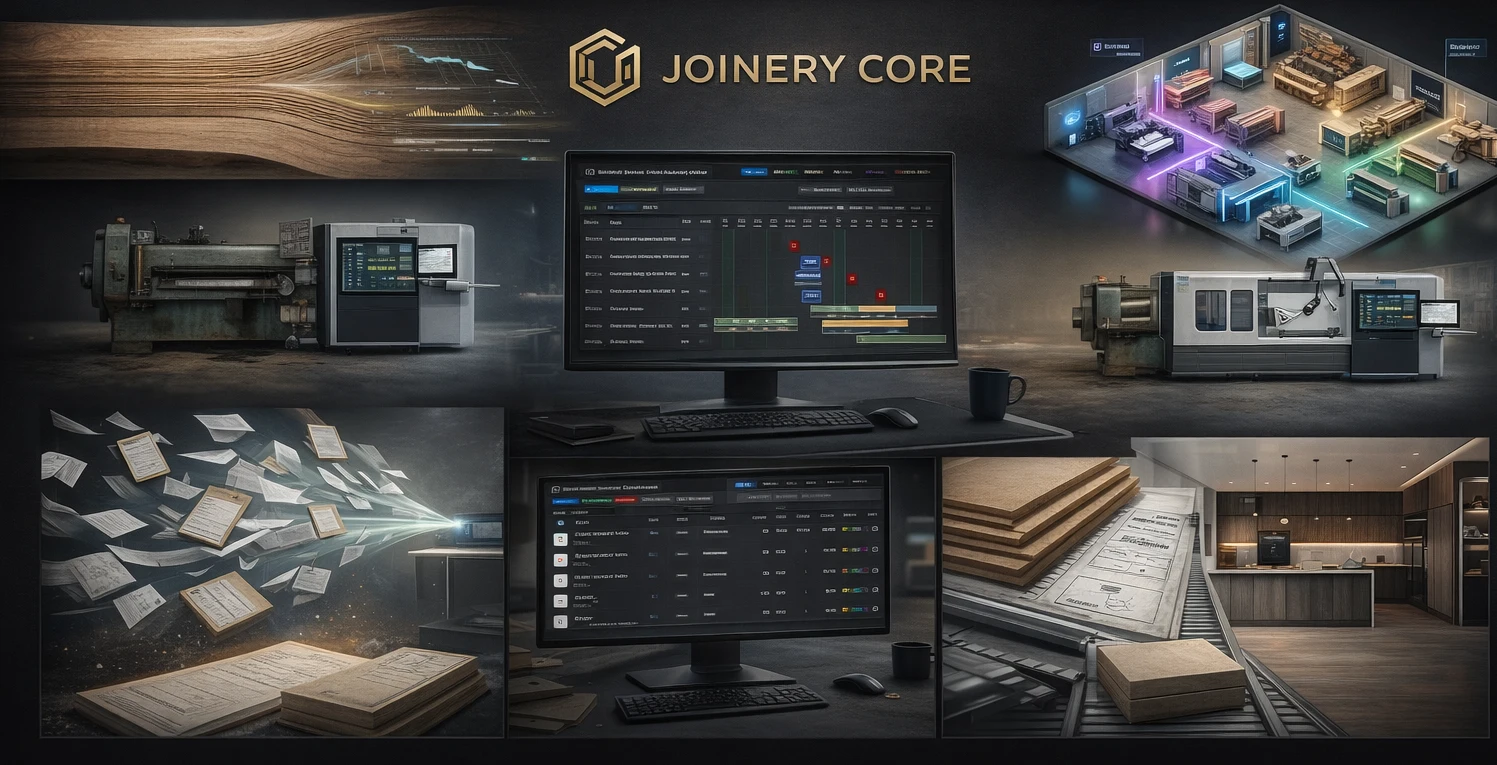
A confirmed cabinet order is a promise with a date on it. Between the moment a customer signs off and the day the cabinets ship, that order has to move through your shop — materials ordered, parts cut, boxes assembled, finish applied, hardware fitted, job delivered. Lose track of where any order sits and you get the phone call every shop dreads: "Where's my kitchen?" — and you don't have a clean answer.
Cabinet order management software gives every order a status you can see at a glance. It's not a design tool — it's the system that tracks each job from confirmed to delivered so nothing stalls, nothing gets forgotten, and you always know what to tell a customer who calls.
Every order has a status — make it visible
The whiteboard-and-memory system works until it doesn't. One order gets missed because it was written in the corner. Another sits waiting on a material nobody reordered. A third is "almost done" for three weeks. The problem isn't that your shop is disorganized — it's that the information lives in five people's heads instead of one place.
Order management software puts every job on one board, each with a clear status and phase. You can see instantly what's waiting on materials, what's in production, what's ready to ship, and what's overdue. When a customer calls, you pull up their order and give them a real answer in ten seconds.
Orders tied to production, not sitting in a spreadsheet
An order list on its own is just a list. The value comes when each order is tied to actual production — the phases it moves through, the people building it, and the materials it needs. Then "order status" isn't a manual field someone forgets to update; it reflects where the job truly is on the shop floor.
That connection is what separates order management software from a generic spreadsheet. The order and the production schedule are the same thing, seen from two angles — one for the office and the customer, one for the shop floor.
What cabinet order management software should handle
- Every order on one board with a clear status
- Orders tied to real production phases, not manual updates
- Deadlines and delivery dates visible across all jobs
- Materials tracked per order with low-stock alerts
- Job costing so you know the margin on each order
- Per-order file storage for drawings, specs, and photos
- Role-based access for office and shop
Catch the order that's about to be late
The orders that hurt aren't the ones you know are late — it's the ones you don't. A job quietly waiting on a backordered hinge. A run that never got scheduled because it fell off the whiteboard. When every order shows its deadline against its actual progress, the ones drifting toward trouble stand out while you can still fix them — move a phase, chase a supplier, reassign an employee.
Know the margin on every order
Order management isn't only about delivery — it's about profit. When materials and labor are tracked against each order, you see the real cost and the real margin per job, not just per month. That tells you which kinds of orders are worth chasing and which ones you keep under-pricing.
How Joinery Core manages cabinet orders
Joinery Core was built by a workshop owner to run a real shop, and order tracking is central to how it works. Every job flows through a pipeline from enquiry to confirmed order to production to delivery, with a live status at every step. Each order carries its own phases, assigned employees, materials, files, and job costing — so the office, the shop, and the customer answer are all working from the same truth.
To be clear about scope: Joinery Core is not CAD, 3D, cut-list, or CNC software. It doesn't draw the cabinets or generate cut lists. It manages the order and the production around it — status, schedule, materials, team, and cost from the day the order is confirmed to the day it ships.
Setup takes about an hour. Add your live orders and see every one of them on a single board.
Know exactly where every order stands
Every order, status, deadline, and cost on one screen. 14-day free trial, no credit card needed.