Cabinet Shop Software — Run Your Whole Shop in One Place
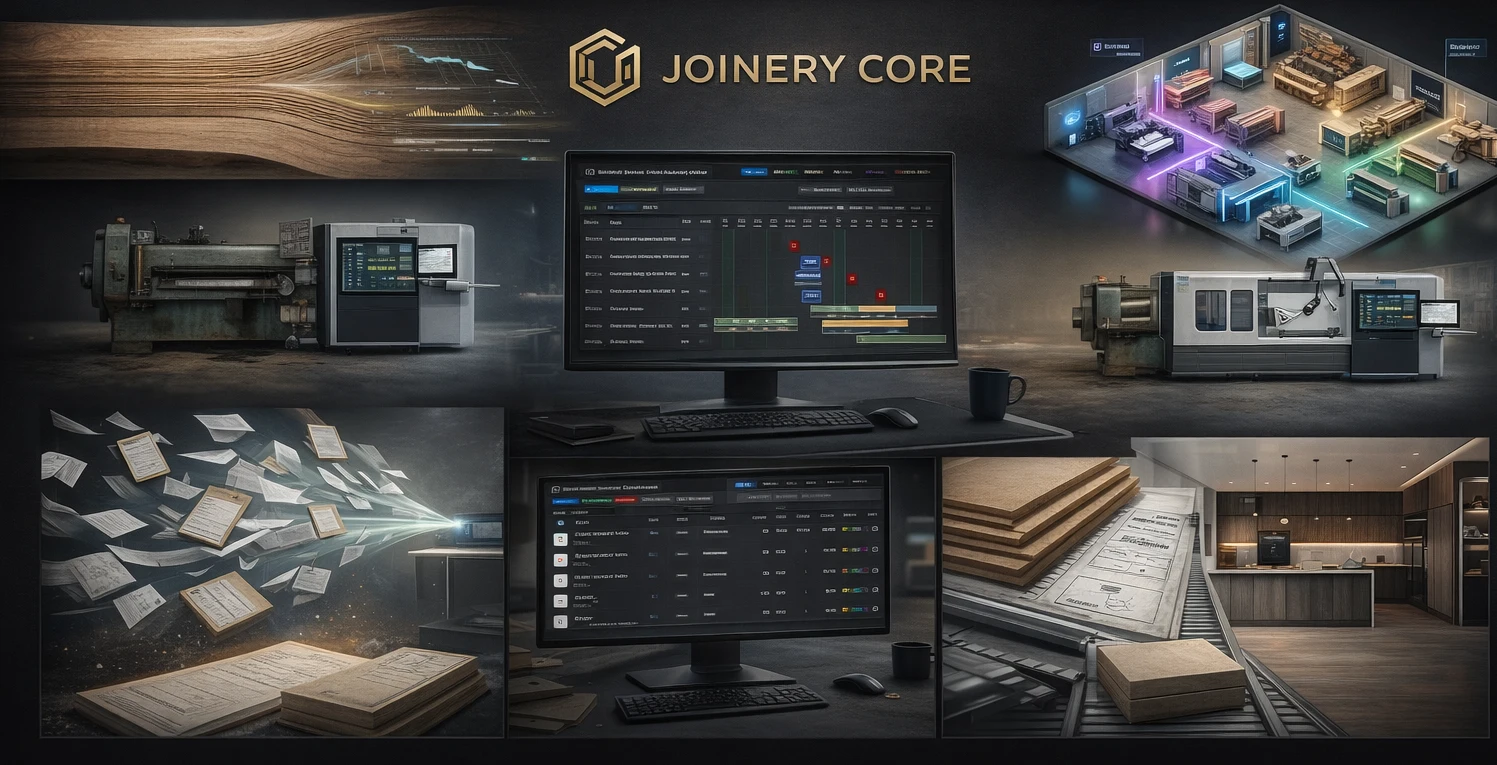
Most cabinet shops run on a mix of spreadsheets, a whiteboard on the wall, QuickBooks, a shared drive full of drawings, and the owner's memory. It holds together — until you have eight jobs in production, five people on the floor, and three install dates in the same week. Then something slips: a material order that never went out, a finisher double-booked, a job that felt profitable but wasn't.
Cabinet shop software pulls all of that into one system. This page explains what it actually does, what it does not do, and how to tell whether it's worth it for your shop.
What "cabinet shop software" actually means
The term covers two very different categories, and mixing them up costs shops money. The first is design software — tools like Cabinet Vision, Mozaik, or Pro100 that produce 3D models, cut lists, and CNC output. The second is shop-management software — the system that runs the business side: quotes, schedules, materials, costs, and people.
This page is about the second kind. Joinery Core is shop-management software. It does not design cabinets, generate cut lists, or drive a CNC router — you keep whatever design tool you already use. What it replaces is the spreadsheet-and-whiteboard layer that sits around the design work.
The five things shop-management software should cover
A cabinet shop is a small manufacturing operation. Good software should follow a job from the first quote to the day it ships, across five connected areas:
The five pillars
- Estimate — build quotes from real materials and labor, apply consistent markups, send a clean PDF.
- Schedule — see every active job and every phase on one screen, and move work without rebuilding the plan.
- Stock — track sheet goods, hardware, and finishing supplies, and tie usage to the job that consumed it.
- Cost — compare quoted price to actual cost per job, so you know your real margin.
- Team — assign people to phases, see who's overbooked, and let workers view their own schedule.
The value is in the connections. When an estimate is accepted, it becomes a job. When the job is scheduled, materials are reserved. When work is logged, costs build up against the quote. One number changes, and the rest stay in sync — instead of you re-typing it into four places.
Why one system beats five stitched together
Plenty of shops run a spreadsheet for quotes, a calendar for scheduling, QuickBooks for invoices, and a whiteboard for the floor. Each tool works on its own. The problem is the gaps between them. The quote lives in one place, the actual cost in another, and nobody reconciles the two until the job is long finished — if ever.
Generic project tools like Monday.com, Asana, or Trello don't close that gap either. They manage tasks, but a cabinet shop isn't a task list. You need phases that run in order, materials tied to jobs, and scheduling that understands your shop's capacity — not just due dates. Approximating that in a generic tool takes hours of setup and still misses the manufacturing logic.
What to look for
- Visual production scheduling — a real Gantt view, not just a list
- Material and inventory tracking with low-stock awareness
- Per-project job costing — actual cost vs quoted price
- Estimating that builds from materials and labor
- Role-based access, so the floor doesn't see your finances
- Web-based, works on a phone or tablet in the shop
- Setup measured in hours, not a six-month rollout
How Joinery Core works for cabinet shops
Joinery Core was built by a workshop owner who needed exactly this — an internal system for running production, stock, team, and finances that grew into a platform for any shop where jobs move through stages.
For a cabinet shop, that means customizable phases (cutting, edge banding, assembly, finishing, hardware, QC, delivery), drag-and-drop scheduling, real-time stock tracking, per-project job costing, estimating that builds from materials and labor, timesheets, and basic accounting — all in one place. The office and the floor work from the same system. Setup takes about an hour: add your jobs, set up your phases, import your team, and start scheduling.
Try it in your shop
See your estimates, schedule, stock, and job costs on one screen. 14-day free trial, no credit card needed.