Joinery Gantt Chart Software — Visual Production Planning
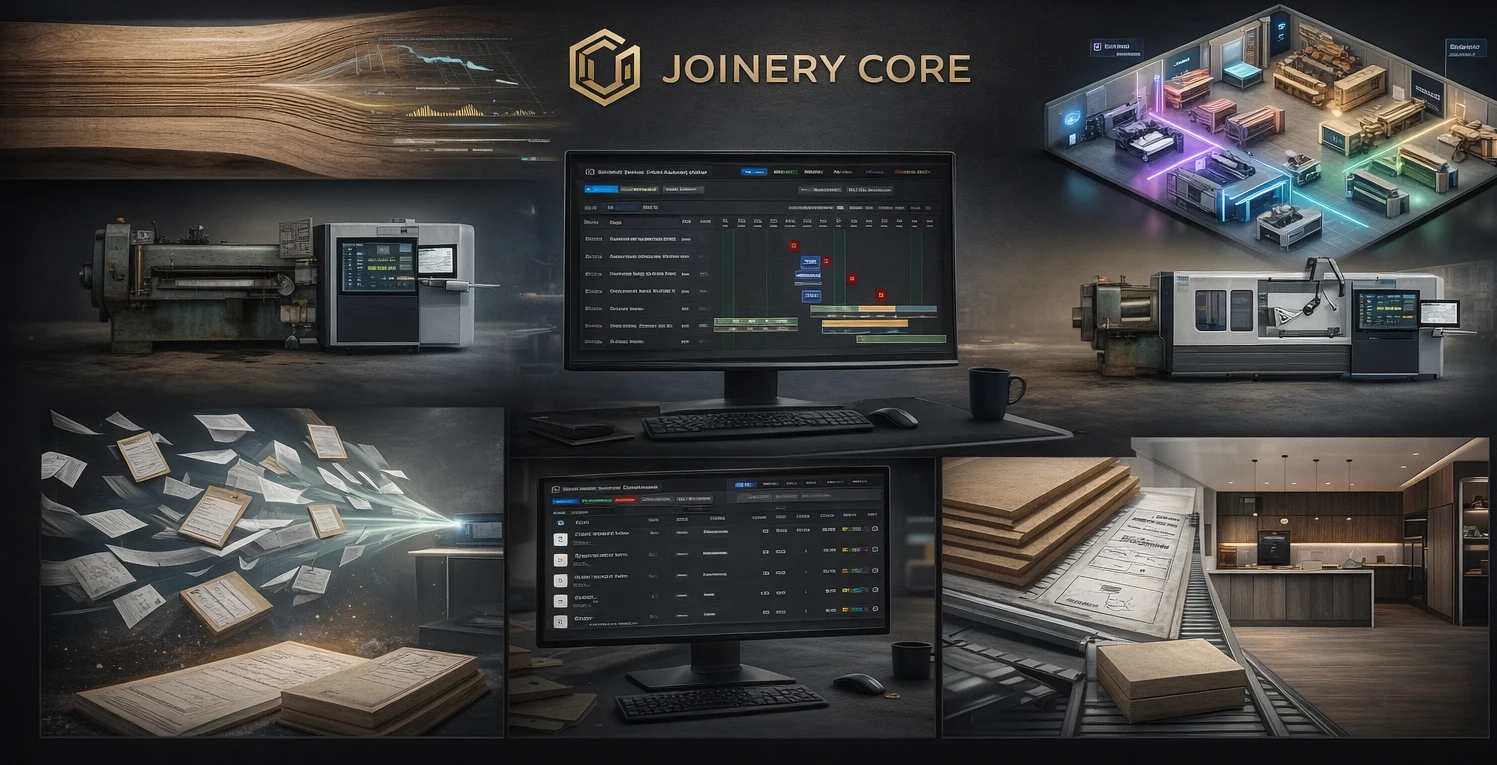
If you're running more than a handful of projects at once, you already know the problem: who's doing what, when does spraying start on the kitchen job, and is the glazing team free next Tuesday? Whiteboards and spreadsheets can't answer those questions at a glance. A Gantt chart can.
But not just any Gantt chart. Generic project management tools give you bars on a timeline — they don't understand timber phases, workshop workflows, or how a joinery production schedule actually works.
Why Joinery Needs Its Own Gantt Chart
A joinery workshop doesn't work like a software team or a construction site. Your projects move through specific phases — cutting, machining, assembly, spraying, glazing, QC, dispatch. Each phase has different people, different durations, and different dependencies. A Gantt chart built for joinery understands this from day one.
Phase-Based Scheduling
In Joinery Core, every project is broken into production phases with colour-coded bars. Timber phases show in green, glazing in blue-grey, spraying in orange, QC in teal, and dispatch in dark green. You see the entire workshop at a glance — no configuration required.
Drag and Drop Rescheduling
Client pushed the deadline? Timber delivery delayed? Just drag the phase bar to a new date and everything downstream adjusts. No need to update six different spreadsheets or rewrite the whiteboard.
Team Visibility
See which workers are assigned to which phases across all projects. Spot clashes before they happen. If your sprayer is booked on three jobs the same week, you'll know about it before Monday morning — not after.
What Makes This Different from Monday.com or MS Project
Generic tools require hours of setup to approximate what Joinery Core does out of the box. You'd need custom fields for phase types, separate views for workers, and integrations for stock. With Joinery Core, the Gantt chart is already wired into your stock levels, team schedule, timesheets, and project finances.
It's not a standalone chart — it's the backbone of your entire workshop operation.
Gantt Chart Features
- Colour-coded production phases (timber, glazing, spraying, QC, dispatch)
- Drag-and-drop rescheduling
- Worker assignment per phase
- Linked to stock, timesheets and project costs
- Office and workshop views
- Works on desktop, tablet and phone
Who It's For
Any joinery workshop running 5+ concurrent projects with a team. If you're a one-person operation doing two jobs at a time, a notebook might be enough. But once you have multiple joiners, a sprayer, and an installer — all working across overlapping projects — you need a visual timeline or things will fall through the cracks.
See it in action — try Joinery Core free
14-day free trial. No credit card, no configuration, no consultants.