Joinery Team Scheduling Software — Right People, Right Projects
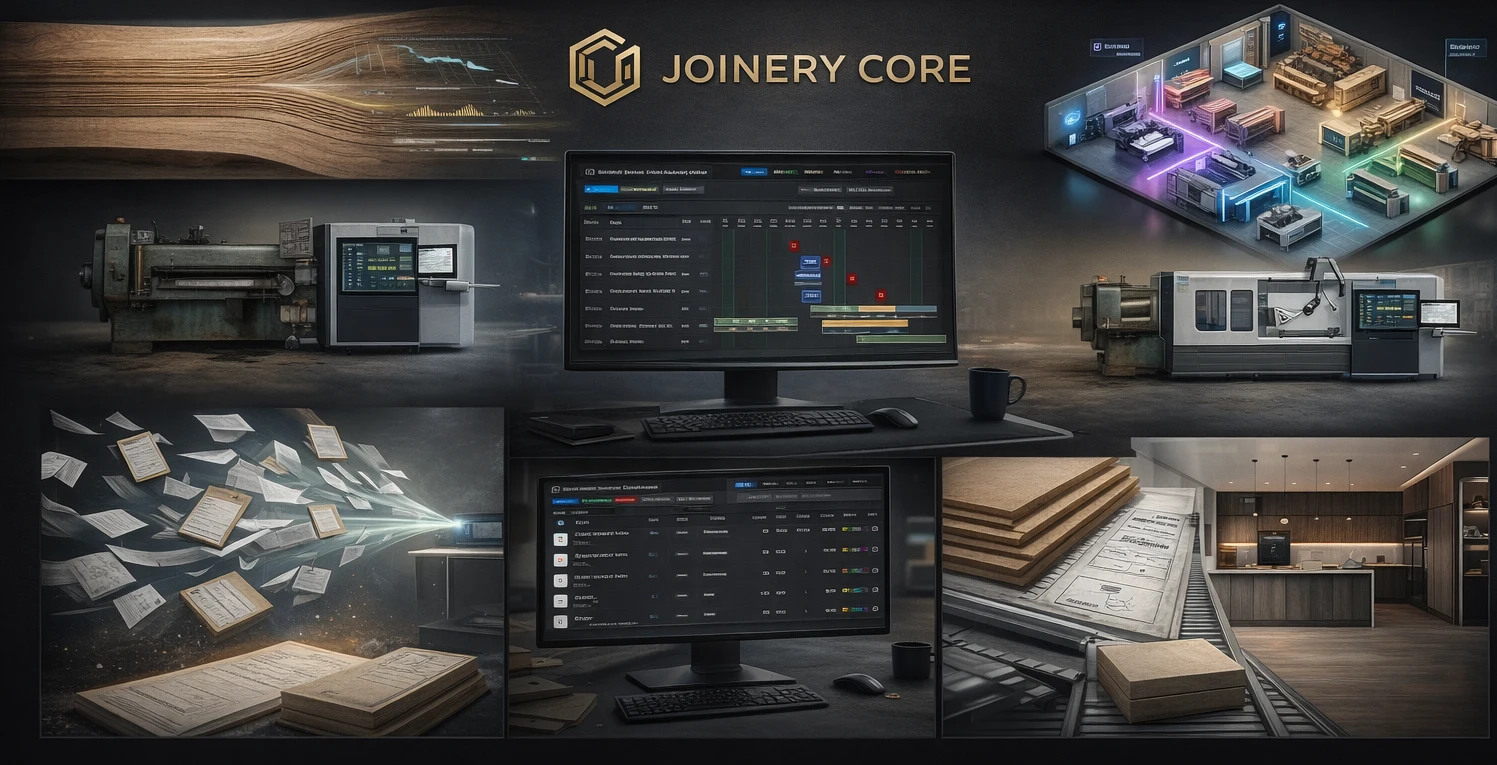
Your best joiner is double-booked next week. Your sprayer has nothing to do on Wednesday. And nobody told the new guy he's supposed to be fitting doors on the Henderson job. Sound familiar?
Team scheduling in a joinery workshop is harder than it looks. Projects overlap, phases depend on each other, people take holidays, and priorities shift when a client calls with an urgent change. You need a system that shows you who's doing what — across every project — at a glance.
Why a Calendar Isn't Enough
A shared Google Calendar can tell you "Dave — sash windows" on Tuesday. But it can't show you that Dave is also needed for the kitchen assembly on Tuesday, that the sash windows need glazing on Wednesday which requires a different person, and that the timber for the sash windows hasn't arrived yet so the whole schedule might need to shift.
Workshop scheduling isn't appointments — it's resource management across parallel projects with dependencies.
How Joinery Core Handles Team Scheduling
Worker Assignment Per Phase
Assign workers to specific production phases across projects. See instantly who is working on what, when, and for how long. If someone is over-committed, it's visible before it becomes a problem.
Gantt-Based Visibility
The team schedule is built into the production Gantt chart. Every phase bar shows who's assigned. Drag a phase to reschedule, and the team's workload updates in real time.
Holiday Management
Workers request holidays, managers approve. Approved holidays are visible on the production schedule so you never accidentally plan work for someone who's on leave.
Workshop and Office Views
The workshop view shows what's happening today and this week — who's in, what they're working on. The office view shows the bigger picture — weeks and months ahead, capacity planning, upcoming bottlenecks.
Team Scheduling Features
- Worker assignment to projects and phases
- Visual Gantt chart with team overlay
- Holiday request and approval workflow
- Workload balancing across projects
- Workshop daily view and office planning view
- Role-based access (manager, worker)
The Hidden Cost of Bad Scheduling
A joiner standing idle for half a day costs you £100-150 in wages with zero output. Double-booking causes mistakes and overtime. Forgotten assignments lead to missed deadlines and unhappy clients. Proper team scheduling isn't overhead — it's one of the highest-ROI improvements you can make in your workshop.
A week in Joinery Core: putting names on the plan
Every person starts on the Team page: name, department, job type (Joiner, Sprayer, Glazing, Driver, Office), holiday allowance and a colour. That colour follows them onto the Gantt and the day plan, so a glance tells you whose bar it is.
The assigning happens on the Production Gantt. For each phase you set the dates, or a number of workdays and the system calculates the deadline, then you pick who does it. One phase can carry several segments with different people and different dates, and phases can overlap. The phase side of that chart has its own post on workshop scheduling. Assignments appear automatically in the Production Sheet and are the basis for labour time on the job, so the project record and the schedule stay one thing.
Before you assign anybody, pick them in the Employee filter at the top right: the chart shows only their projects, with approved holidays drawn as turquoise stripes. When the week is agreed, Freeze Plan stops bars drifting by accident.
The morning: Today, Daily Tasks and the phone check-in
The Today page is the daily briefing. PRODUCTION lists who is working on which project today, taken from the Gantt phases; SPRAYING shows the projects in the spray phase; HOLIDAYS TODAY shows who is absent; THIS WEEK DEADLINES lists what is due.
Below the phase level there is Daily Tasks, under Team. An admin, or a manager with Production access, plans each employee's day as a plain list: the project or Workshop, what to do, a planned time, and if needed a quantity and a note for the employee. Copy yesterday's open tasks brings unfinished work forward, and nobody can be planned on a day of approved leave. The employee opens the Daily Tasks tile in JC App and marks each task Done, Partly or Not done, with a reason when it is not finished. The tasks are not carried into the hours: the weekly timesheet is kept on its own, the subject of our timesheet software post.
Attendance closes the loop. A QR code printed from the Attendance page goes up at the entrance; employees scan it in JC App and press Check in on arrival and Check out when they leave. The page shows in, out, hours and flags such as no check-out.
The mistake: holding the holiday list in your head
The commonest failure is a good plan built around somebody who will not be there: leave agreed in the car park in March, forgotten by June. In Joinery Core an employee presses Request Leave and the entry is created as Pending; a manager or admin approves or rejects it on the Holidays calendar, and only an approved entry counts. For a shutdown that applies to everyone, one Company closure entry covers the whole team.
Everything approved there feeds the planning: a closure is a striped band across both Gantt charts, a person's leave shows as stripes when you filter by them, HOLIDAYS TODAY lists who is away, and the AI Production Assistant warns when somebody is assigned to a phase on a day they are on approved leave. When sickness or a late delivery forces a change, unfreeze, move the segment to another person or week, and freeze again. Our guide to production planning covers that rhythm, for a cabinet shop as much as a window maker.
Frequently asked questions
Can two employees work the same phase on one project?
Yes. A phase can hold several segments, each with its own person and its own dates.
Who can plan the day and see everyone's timesheet?
An admin, or a manager with Production access, a switch on the invitation. The roles are explained in our post on team management.
Does the QR check-in fill in the timesheet?
No. The in and out times show under each day of the timesheet as a hint. The employee still submits their own week.
What if somebody books leave after the week is planned?
The request stays Pending until approved. Once approved, the stripes appear on the Gantt when you filter by that person, and the assistant warns if a phase is still assigned to that person. Then you move the segment.
See it in action — try Joinery Core free
14-day free trial. No credit card, no configuration, no consultants.